
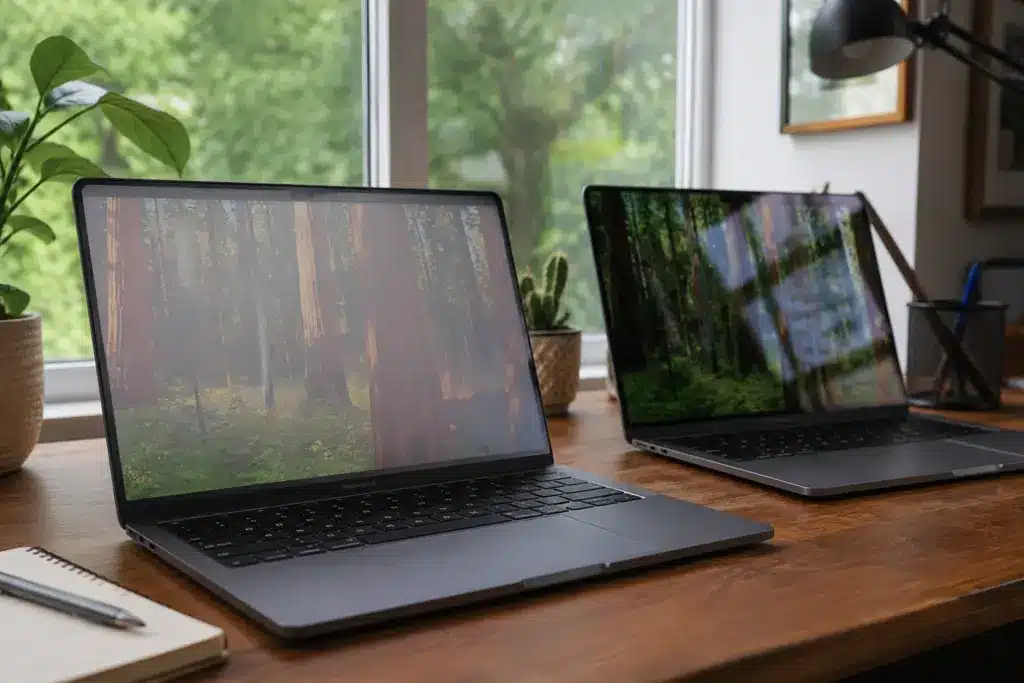
Spending a few thousand on a MacBook Pro and then freezing at one small checkbox is a very normal feeling. The display option sits there quietly, costs extra, and Apple sums it up in a single line.
So what is nano texture display, and does that little upgrade actually change how the screen feels every day? That one choice affects glare, contrast, and eye comfort far more than the price suggests.
After reading owner reports, expert reviews, and Apple’s own specs, here is the plain version: what the glass does, where it works, where it falls short, and who should skip it. By the end, the checkbox should feel obvious.
What is Nano Texture Display
A nano-texture display is Apple’s build-to-order glass option that cuts glare by scattering light with a pattern etched into the glass itself, rather than a coating laid on top.
Apple introduced nano-texture glass with the Pro Display XDR in 2019, and the option later expanded to devices such as the MacBook Pro, iPad Pro, and Studio Display.
It is the most matte screen Apple makes. The goal is simple: keep the panel’s quality while turning harsh reflections into a soft, usable haze.
How Does Apple’s Nano-Texture Glass Work?
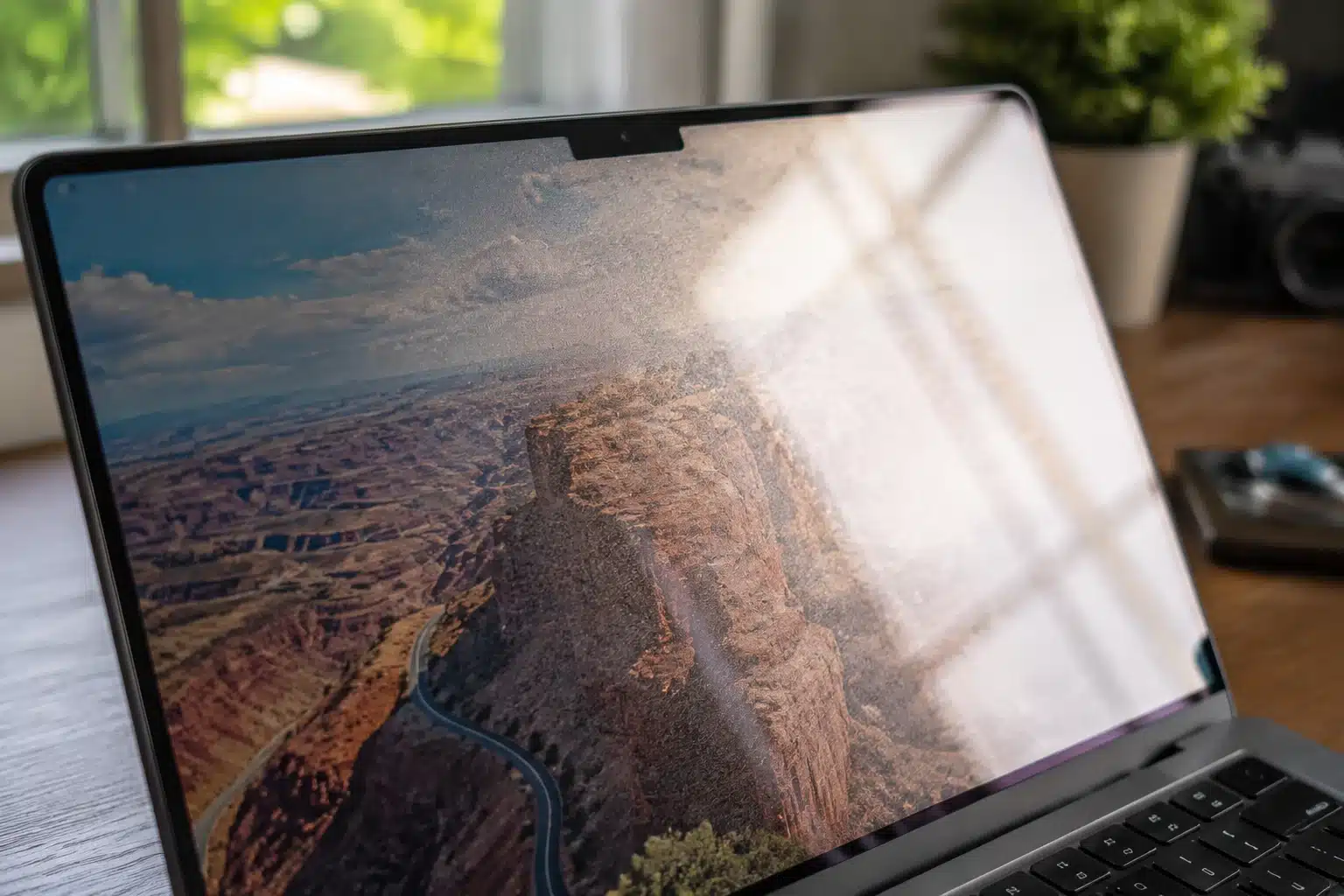
The difference is not something bolted onto the screen. It lives inside the glass surface, at a scale too small to see.
Here is the short sequence that turns a mirror-like panel into a calm, readable one:
- Nanometer etching: Apple laser-etches microscopic patterns into the glass, so the surface itself breaks up light instead of a separate film doing the job.
- Light diffusion: Light from windows and lamps spreads into a faint glow rather than bouncing back as a sharp, distracting reflection.
- No added coating: Older matte screens use a coating that can haze, sparkle, or peel, while the etched glass keeps text looking cleaner.
- The trade-off: Scattering light slightly softens deep blacks and peak contrast, which is exactly why the effect is not free.
That last point matters more than the marketing lets on, and it explains almost every complaint you will read online. It also sets up the real question most buyers have: how different does the etched glass actually look next to a standard screen?
Nano-Texture vs Standard Display: What Changes Day to Day?
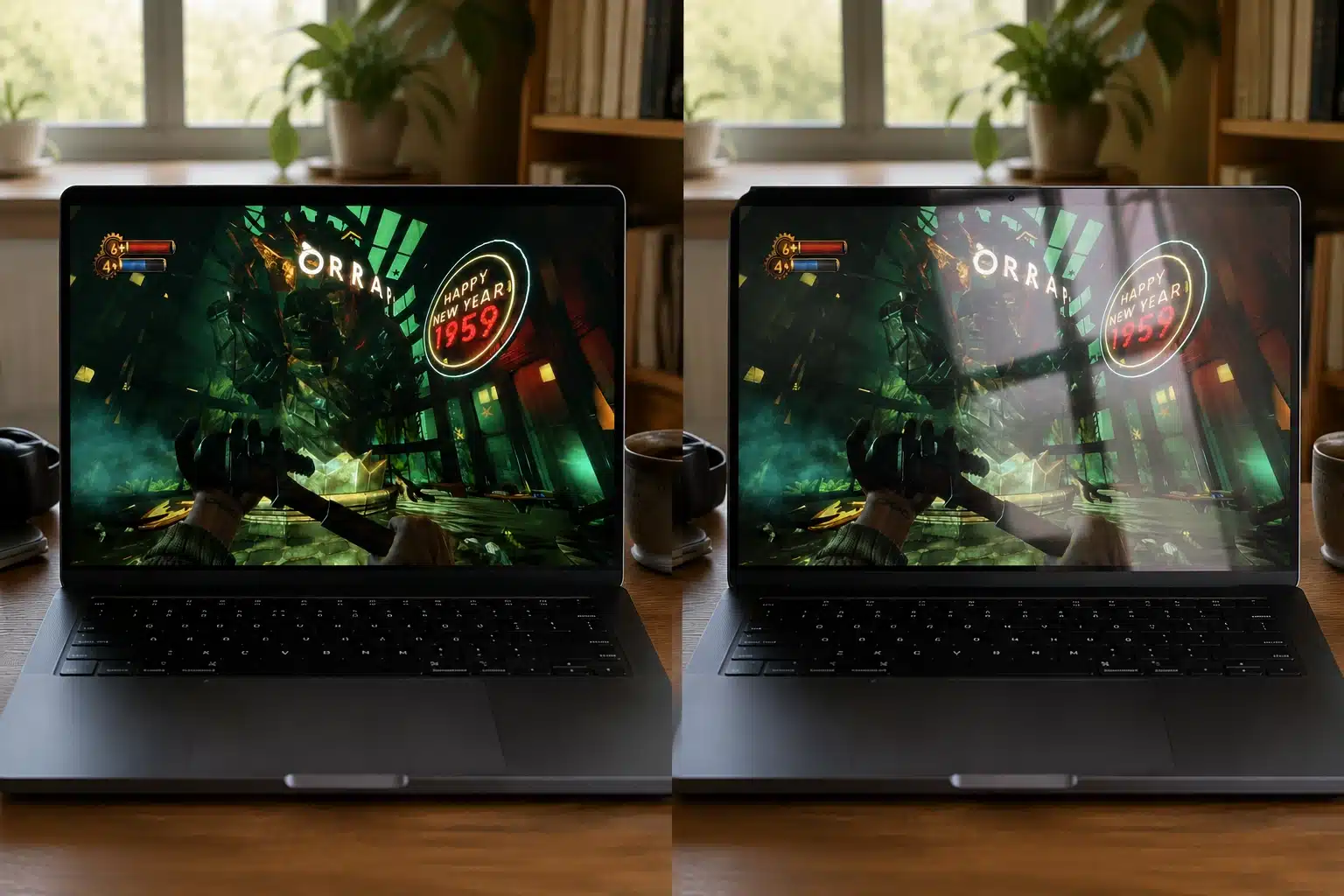
Both options use the same excellent Liquid Retina XDR panel underneath. Only the top layer changes, so the gap is smaller than forum arguments suggest.
Even so, four areas separate them enough to matter for your money:
1. Image Quality
This is where the two panels look most alike, and also where the etched glass gives up a little. The difference only surfaces in specific light and at certain angles.
- Nano-texture: Detail stays crisp, and the image reads calm, but tilt the screen and deep blacks can drift toward dark grey while colors lose a little of their punch.
- Standard glass: Color looks richer, and blacks land deeper in steady, controlled lighting, which is why film watchers and photo editors usually spot the extra contrast within seconds.
2. Glare Reduction
Here the two finishes part ways completely. Your room decides how big the gap feels, and bright spaces make the winner obvious fast.
- Nano-texture: Reflections from windows, lamps, and overhead lights soften into a faint haze instead of sharp mirrors, so the screen stays readable outdoors and in bright offices without constant repositioning.
- Standard glass: Glossy glass reflects whatever sits behind you, so bright rooms turn the screen into a partial mirror and push you to tilt, angle, or move the laptop repeatedly.
3. Text and Everyday Work
For anyone who lives in documents, code, or email, this factor often outweighs color. Long hours at the keyboard change what actually feels comfortable.
- Nano-texture: Reviews commonly mention a soft, paper-like reading feel that eases eye fatigue during long writing and coding sessions, which is why many text-heavy professionals lean toward the etched finish.
- Standard glass: Text lands sharp and high in contrast, and plenty of users still prefer that crisp look in dim rooms where reflections were never much of a problem anyway.
4. Movies, Photos, and Creative Work
Entertainment and color work pull in opposite directions here. The better pick flips depending on how dark your room usually stays.
- Nano-texture: It holds up well in bright rooms and suits the color-managed workflows Apple built it for, though the very deepest blacks give up a small sliver of their richness in the process.
- Standard glass: In a dark room, it delivers punchier contrast and more vivid color for films, trailers, and photo viewing, making it the easy pick for media-first users.
Quick advice: If specs alone will not settle it, carry a bright white document and one dark photo into an Apple Store and compare both finishes in that store’s harsh lighting. That single test answers most doubts.
Pros and Cons at a Glance
The same design choice that solves glare quietly creates a few costs elsewhere. Seeing both columns together makes the call far less emotional than the endless online debates.
| Pros | Cons |
| Big reduction in glare and reflections | Adds $150 on the MacBook Pro |
| Much easier to use near windows or outdoors | Blacks can look slightly greyer at some angles |
| Paper-like text that suits long reading | Needs careful, Apple-approved cleaning |
| Less head-tilting to avoid bright spots | A few owners notice faint graininess on white |
None of these cons are dealbreakers on their own. They only bite once you know your room and your work, which the details below make clearer.
Nano Texture Display Technical Details
A few concrete facts help separate reality from forum myth. These come straight from Apple’s own documentation rather than opinion.
- Surface type: Laser-etched glass, not an added anti-reflective film, which is why Apple calls it the most matte screen it builds.
- Brightness: On the MacBook Pro, the etched glass still reaches up to 1,000 nits for SDR and 1,600 nits peak for HDR content.
- Cleaning: Every unit ships with a polishing cloth, and Apple permits a 70 percent isopropyl alcohol solution for stubborn smudges.
- Price by device: Around $150 on the M5 MacBook Pro, $100 on the iPad Pro, near $200 on the iMac, and about $300 on the Studio Display.
Note: Prices and configurations shift with each Apple refresh, and some devices lock the option to higher storage tiers. Check the current Apple spec page before you order
What Real Owners Say

Specs describe the glass. Daily life describes the experience, and owners are refreshingly split.
A long thread on the MacPowerUsers community weighed the two finishes for laptop buyers, and the pattern held steady: people who work near windows or outdoors leaned toward the etched glass, while those in steady indoor light saw little reason to pay more.
One detailed side-by-side write-up from a MacBook Pro owner on Reddit captured the nuance well. After thirty minutes comparing both screens at an Apple Store, the reviewer found the nano-texture cut reflections sharply yet did not erase them, especially under the store’s unusually bright lighting.
Angled carefully, its blacks and colors looked nearly identical to standard glass, but a small shift in viewing angle muted them into grey.
Commenters echoed a familiar takeaway: reflections and colors both hinge on your room. Software developers praised the crisp, paper-like text for long sessions, while media-first users missed the deeper contrast.
The recurring verdict was that the right pick tracks your lighting far more than any spec sheet.
Is Nano Texture Display Worth the Extra Cost?
The honest answer leans less on the display and more on where you sit. That $150 buys glare control, not a better panel, so whether a nano-texture display earns its price depends on your habits, not the hype.
Choose nano-texture if:
- You work near large windows or under bright overhead lighting.
- You often use the laptop outdoors or move between changing light.
- You read or write text for hours and want easier eye comfort.
Choose standard glass if:
- Your room is dim or lit under your own control.
- You watch films and want the deepest blacks and richest color.
- You would rather keep the money for storage or memory.
What stands out to me is how often the room decides this, not the person. I would take standard glass for a dim home office, and I would pick the etched glass for anyone chasing sunlight.
Is Nano Texture Display Better For Your Eyes?
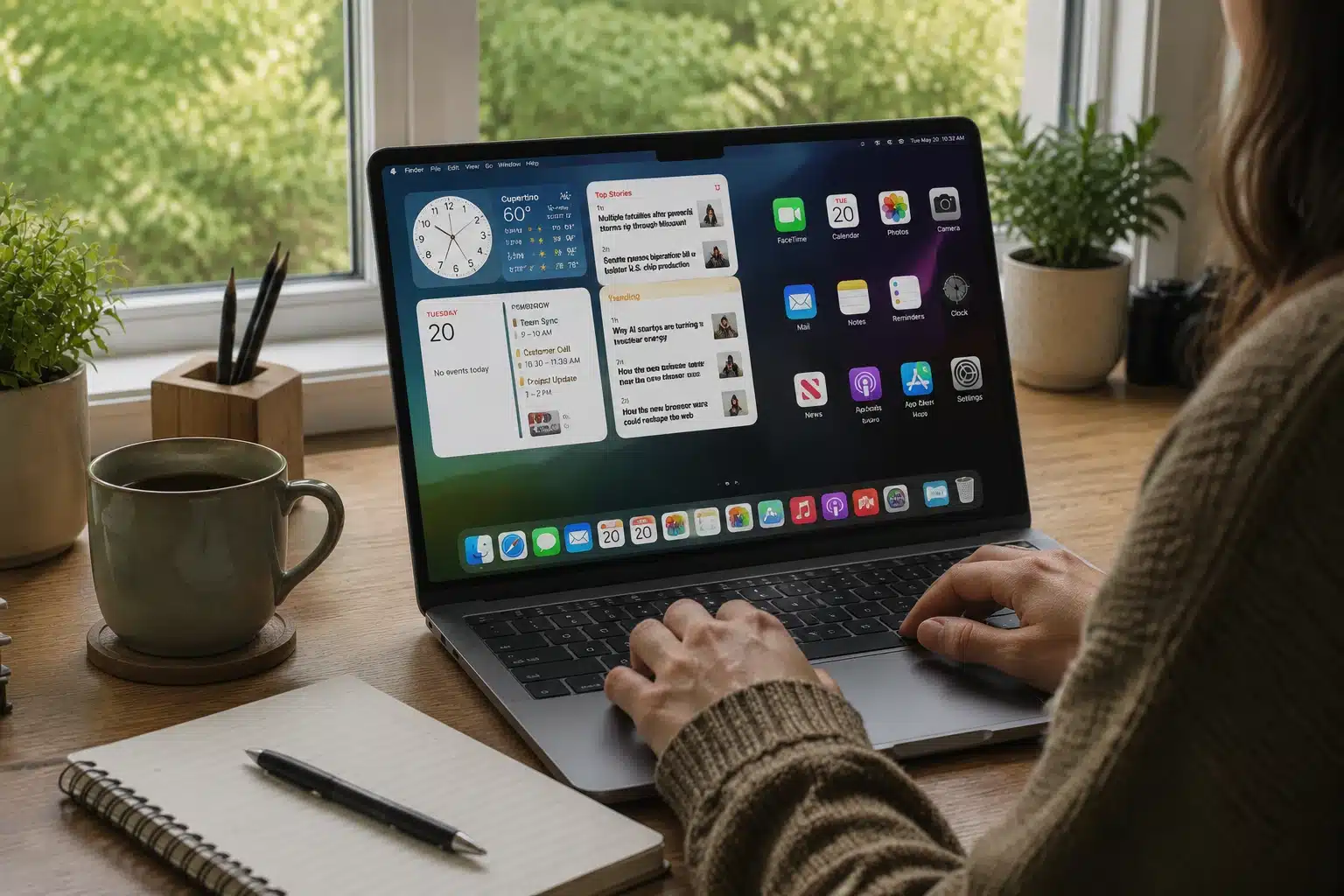
Yes, a nano-texture display can be easier on your eyes, though the benefit comes from glare, not from anything magical in the glass.
Bright reflections force your eyes to work harder as they fight competing light sources, which is what leaves them tired after long sessions near windows or under harsh office lighting.
By scattering that light into a soft haze, the etched surface removes most of that strain and gives text a calm, paper-like quality many owners find restful.
It does not filter blue light or fix vision problems. In a dim, reflection-free room, a standard screen can feel just as comfortable, so the eye benefit depends on where you work.
Final Thoughts
Strip away the forum drama and the answer is simple. The etched glass trades a sliver of contrast for a big drop in glare, and that trade only pays off in the right room.
If your workspace fights you with reflections all day, it is important to know what is nano texture display. If your light is already calm, the standard screen hands you more color for less money. Either way, buy for your environment, not for the spec race.
Drop a comment describing your main workspace, bright and windowed or dim and controlled, and I will tell you which way I would lean.
Frequently Asked Questions
Can You Put a Screen Protector on a Nano-Texture Display?
A protector usually cancels the benefit, since you then see reflections off the protector instead of the etched glass. Apple does not recommend one, and most owners skip it. If protection matters more to you, standard glass is the easier match.
Does Nano-Texture Glass Scratch More Easily Than Standard Glass?
It resists everyday wear like any Apple glass, but the etched surface is less forgiving of rough cleaning. Grit, paper towels, or harsh sprays can mark it. Sticking to the included cloth or a light alcohol solution keeps it safe long term.
Can You Tell Nano-Texture and Standard Displays Apart in Photos or Videos?
Rarely, and that is part of the point. In photos, the finish looks a little softer and less reflective, but detail and color read almost the same. The real difference shows up live, under bright light, not in a still image.


