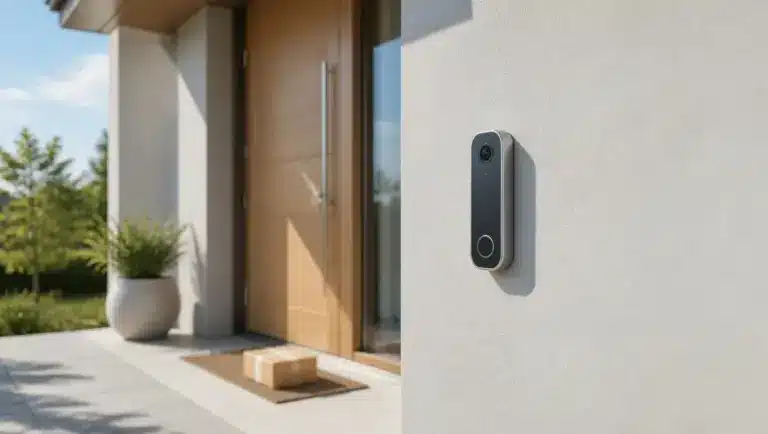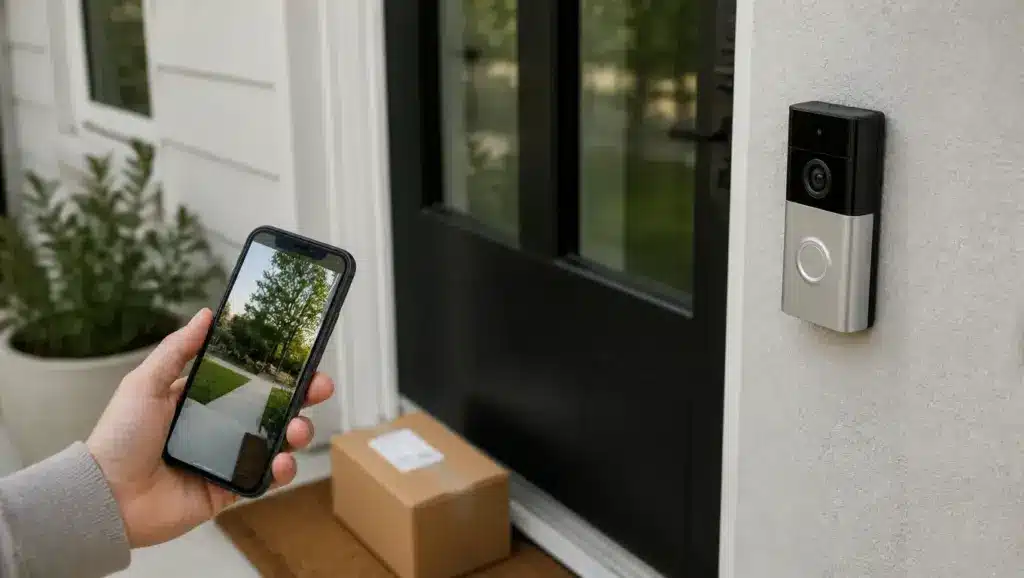
A video doorbell can show who is at the door even when nobody is home, but not every model captures what matters.
Video doorbells come in wired and battery-powered designs, with cloud or local storage and features from package detection to two-way audio. With so many choices, finding the best video doorbell for a home can feel confusing.
Below, we compare five video doorbells by installation, recording options, subscription costs, and everyday practicality, with pros and cons to help you choose the best front door camera for different budgets. The best choice is the one that captures both visitors and parcels without fuss.
What to Consider Before Buying a Video Doorbell
Choose a video doorbell that suits your entrance, recording needs, and budget. Check that the camera can capture visitors’ faces and parcels, since mounting position and viewing angle matter more than resolution alone.
Test Wi-Fi at your doorway for reliable alerts and live viewing. Find out if saved footage needs a subscription or extra equipment, and factor installation, accessories, and ongoing fees into your budget.
Finally, make sure the model works with the smart-home platform you already use, since that decides how smoothly alerts and live views reach your phone.
Best Video Doorbells Compared
These five front door cameras offer easy battery installation, better package visibility, and recording without monthly fees. Each suits a different home and set of priorities, and wireless doorbell cameras without subscriptions form a category of their own.
1. Google Nest Doorbell (Wired, 3rd Gen)
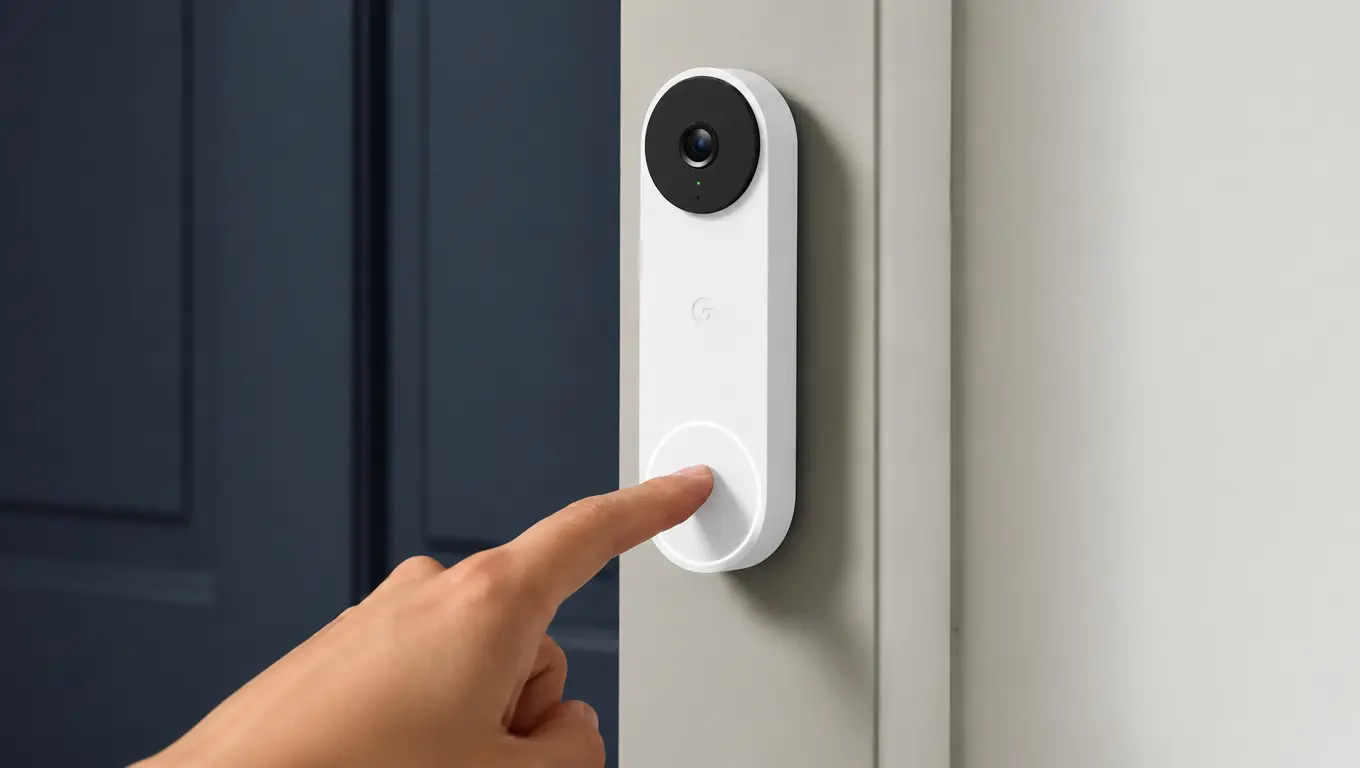
The wired Google Nest Doorbell (3rd gen) is a solid choice if you already use Google Home and have matching doorbell wiring.
Its 2K HDR camera uses a square 1:1 view with a 166-degree diagonal field of view, which shows visitors and the area below them. Person, package, animal, and vehicle alerts are built in, while familiar-face recognition needs an eligible subscription, subject to regional availability.
Pros | Cons |
|---|---|
Integrates with Google Home. | Requires compatible wiring and a 16 to 24V AC, 10 to 40VA transformer. |
Person, package, animal, and vehicle alerts without requiring a subscription. | Longer event history and continuous video history cost extra. |
Optional extended event and continuous video history. | Less compelling if your household uses another smart-home ecosystem. |
Without a subscription: The 3rd-gen wired model provides up to six hours of event video previews, with clips of up to 10 seconds. Google Home Premium extends event history to 30 days on Standard and 60 days on Advanced, and the Advanced plan adds up to 10 days of continuous video. Older Nest models have different allowances, so check the plan for your region.
Skip it if: You need battery operation or want local recording instead of cloud storage.
2. Ring Battery Doorbell 2K Plus
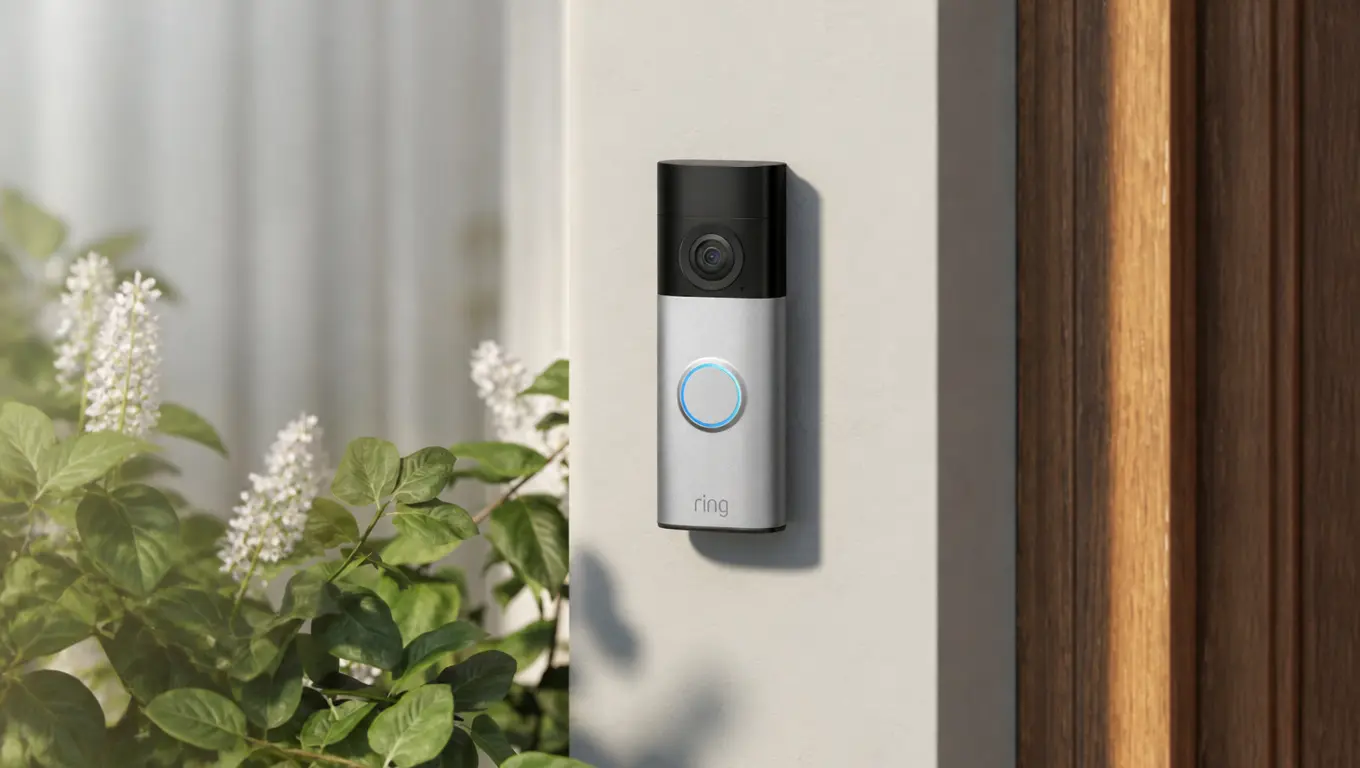
The Ring Battery Doorbell 2K Plus, formerly the Battery Doorbell Plus (2nd Gen), is a practical choice when wiring isn’t available. Its removable rechargeable battery makes charging easier than designs that require taking down the entire unit.
Its 140° horizontal × 140° vertical field of view provides head-to-toe coverage, while dual-band Wi-Fi 6 supports 2.4GHz and 5GHz connections. Alexa integration also makes it a good fit for households already using Echo devices.
Pros | Cons |
|---|---|
Battery installation avoids dependence on existing doorbell wiring. | Saved video requires a Ring Protect plan. |
Removable battery simplifies charging. | Charging frequency depends heavily on activity, settings, and weather. |
2K video and a tall view suit doorstep monitoring. | Existing wiring only trickle-charges the battery and does not enable continuous recording. |
Without a subscription: You can use live viewing, motion notifications, and two-way talk, but Ring requires a Protect plan to save and review recorded footage.
Skip it if: Reviewing recorded events without recurring fees is essential.
3. Eufy Video Doorbell E340
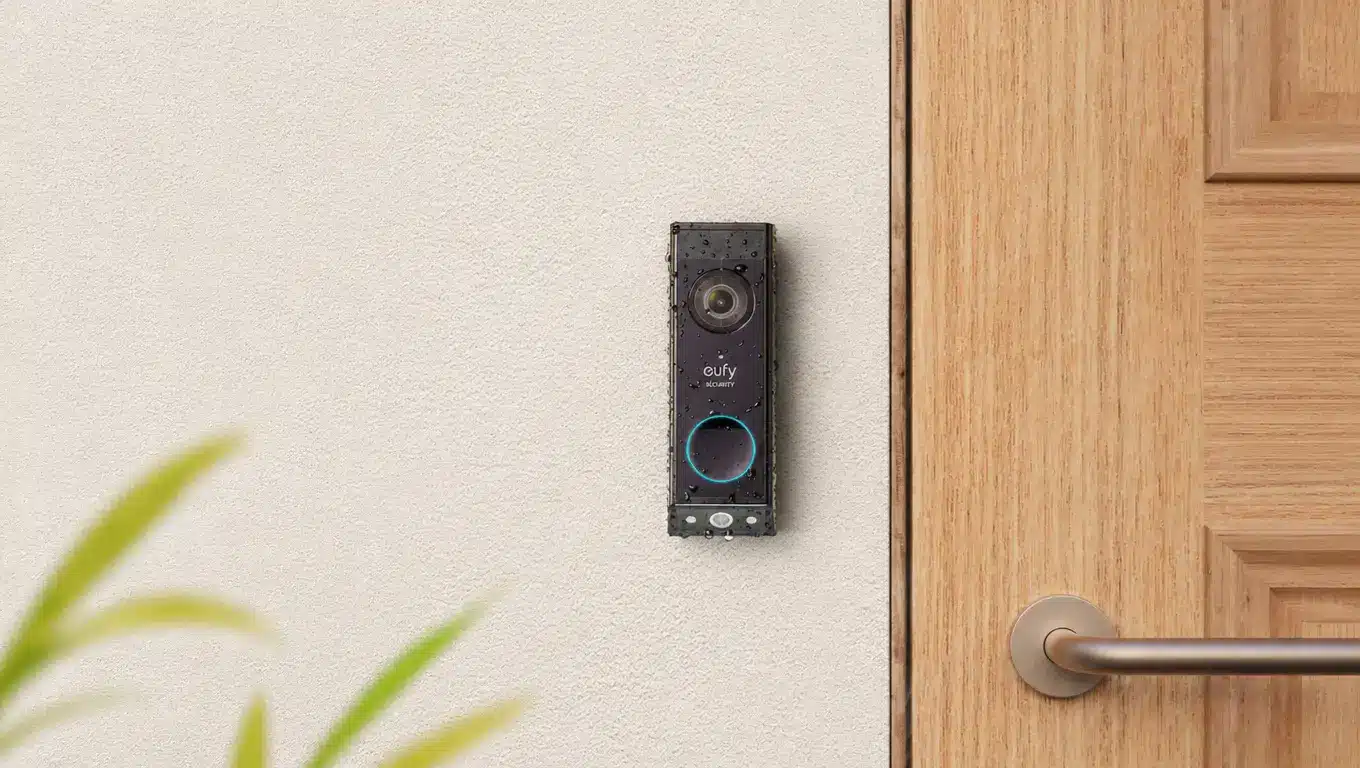
The Eufy E340 uses two cameras: one faces visitors, while the other looks down towards the doorstep. Its 2K video and built-in 8GB storage make it a handy choice for monitoring deliveries without committing to a monthly recording plan. It works on its own or with HomeBase 2 and HomeBase 3 systems.
Pros | Cons |
|---|---|
Separate downward-facing camera improves doorstep coverage. | Two cameras cannot eliminate every blind spot. |
Built-in storage avoids a mandatory recording plan. | The battery stays installed even on wiring, and Wi-Fi is 2.4GHz only. |
Battery operation provides installation flexibility. | HomeBase is optional, and its storage varies by model, so check before buying. |
Without a subscription: Local event recording is a central feature. Eufy estimates up to 90 days of storage under its stated usage assumptions, but actual retention depends on recording activity.
Skip it if: You need guaranteed coverage beyond the doorway, such as a long driveway or side entrance.
Before installation, place a parcel at your usual delivery spot and see if the camera can capture it.
4. Reolink Video Doorbell WiFi
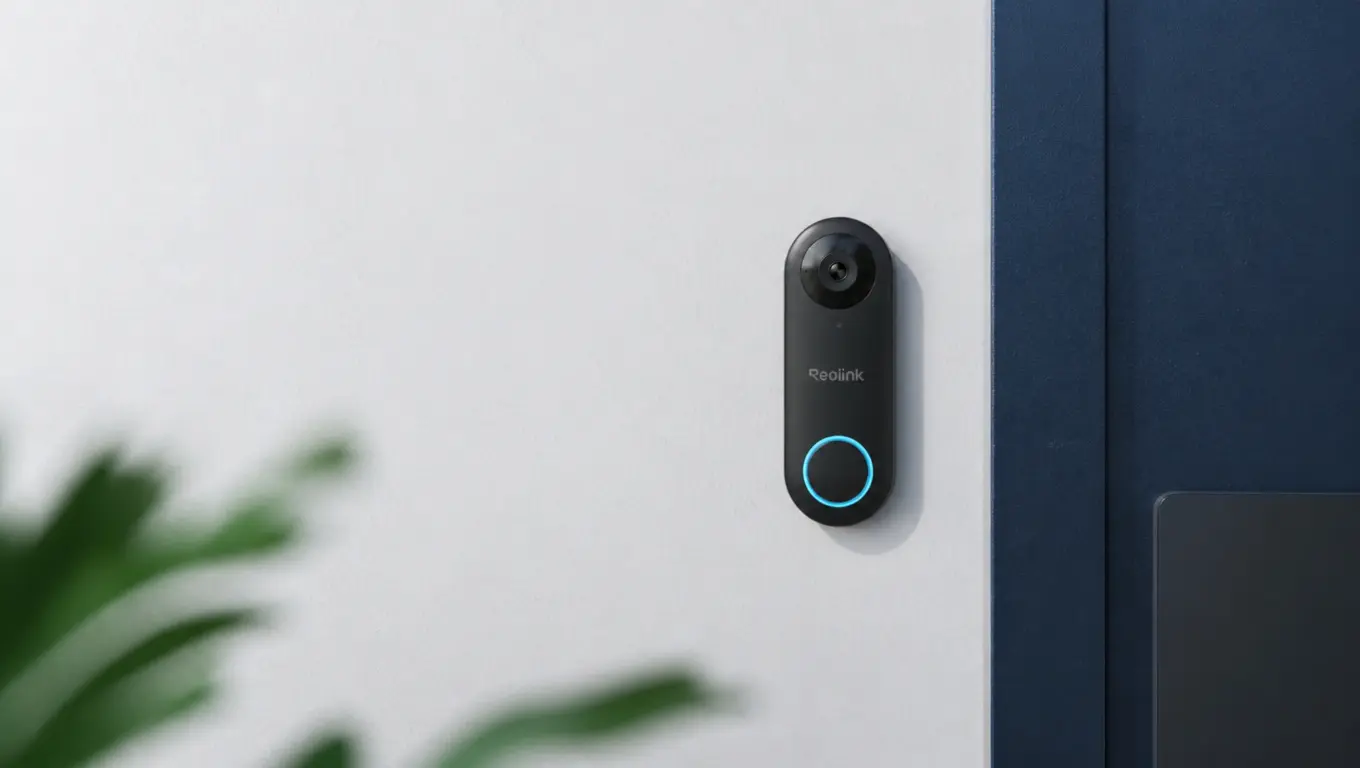
The wired-power Reolink Video Doorbell WiFi suits buyers who want greater control over local video storage. The black Wi-Fi version records 5MP video at 2560 × 1920 and supports a separately purchased microSD card of up to 256GB or a compatible Reolink NVR.
Despite “WiFi” in the name, this model still needs wired power from 12-24V AC or 24V DC. Wireless networking and battery operation are different features, and the separately sold PoE version uses Ethernet for both power and network connectivity.
Pros | Cons |
|---|---|
Local recording options without a mandatory cloud plan. | Requires a wired power connection and has no battery option. |
Supports 24/7, scheduled, and motion-triggered recording. | Storage and recorder choices require additional checks. |
Handy for households building a wider camera system. | Its viewing format is less package-focused than a dual-camera design. |
Without a subscription: You can retain recordings locally on a microSD card or compatible NVR without paying for a cloud-recording plan.
Skip it if: You want battery installation or the simplest possible setup.
5. Aqara Smart Video Doorbell G4
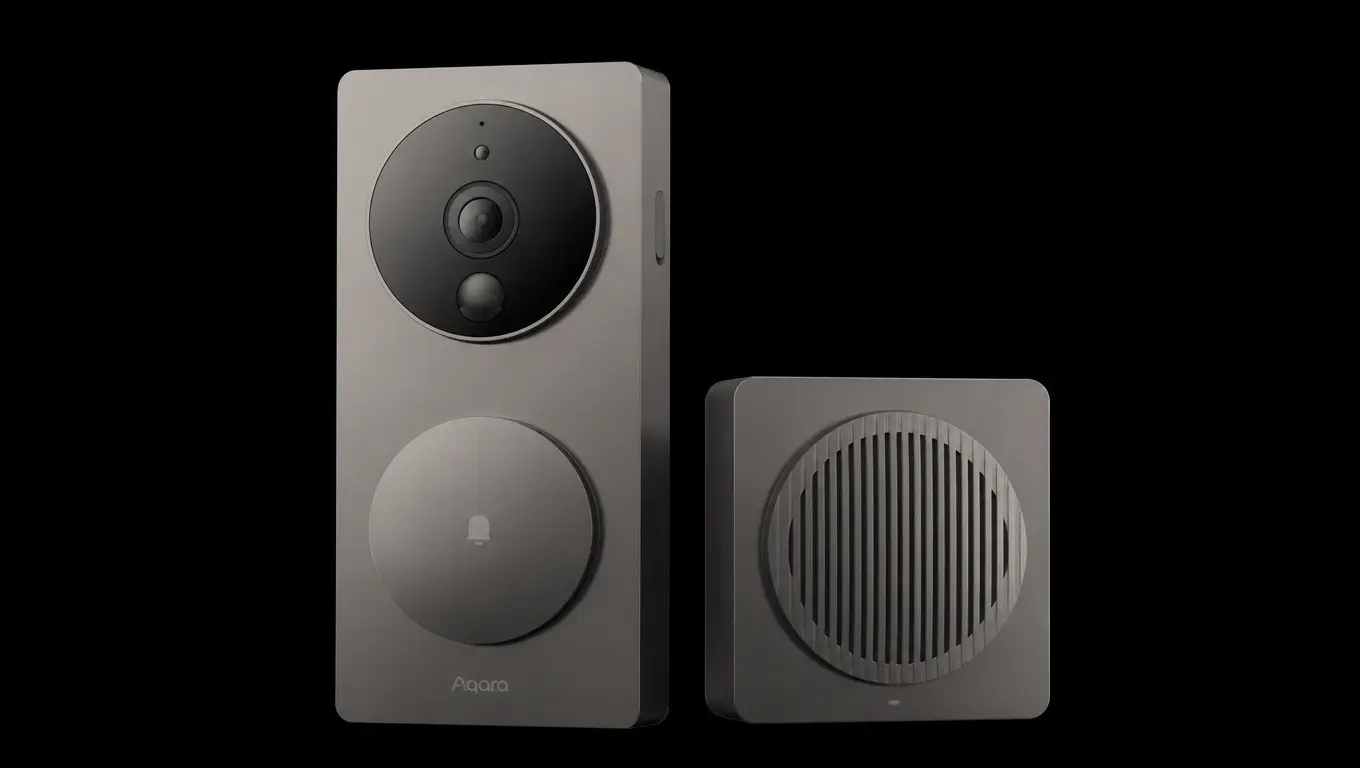
The Aqara G4 suits Apple Home users who want flexible installation and local indoor storage. Its 1080p camera offers a 162-degree viewing angle, and the indoor chime repeater houses a separately purchased microSD card of up to 512GB. On wired power, it can also record continuously and back up to an SMB NAS.
HomeKit Secure Video is a separate cloud-recording option, and it needs an Apple Home hub and an iCloud+ plan.
Pros | Cons |
|---|---|
Integrates with Apple Home and supports HomeKit Secure Video. | Its wide viewing format is less suited to showing parcels directly below the camera. |
Supports battery operation or compatible wired power, with batteries available as backup when wired. | Apple’s recording features require additional services and equipment. |
Stores local footage indoors rather than on the doorbell itself. | Local storage requires a separately purchased microSD card. |
Without a subscription: Local microSD recording in the indoor chime avoids a paid cloud plan, and it works separately from HomeKit Secure Video.
Skip it if: Seeing packages at the foot of your door is your main priority.
What Will a Video Doorbell Cost Over Three Years?
Sticker price rarely tells the full story. Compare ownership costs using this formula:
Three-year cost = hardware + required accessories + installation + recording fees.
For example, a hypothetical $100 doorbell with a $5 monthly recording plan costs $280 over three years, before installation or accessories. A hypothetical $180 model with adequate included local storage could cost less over the same period.
These dollar figures illustrate the calculation and are not current product prices. Plan pricing and feature eligibility vary by region. Check for:
A replacement transformer or professional installation.
An indoor chime, hub, mounting wedge, or spare battery.
A high-endurance memory card.
Subscription differences between monthly and annual billing.
An existing household camera plan that already covers another device.
“No subscription required” sounds appealing, but it does not automatically mean “no additional costs.”
Wired vs Battery-Powered Video Doorbells
Wired doorbells avoid routine battery charging, making them easier to maintain. However, existing wiring does not guarantee a match: check the model’s transformer requirements and whether your indoor chime needs extra parts or is compatible.
Consult a qualified installer if you are unsure. Battery-powered models offer more installation flexibility, particularly for entrances without suitable wiring and some rental properties, but they need periodic recharging.
Busy pavements, frequent live viewing, and cold weather can increase charging demands, so advertised battery life may not reflect your experience.
Whichever you choose, check recording capabilities separately, because wired power does not automatically mean continuous recording.
Which Video Doorbell Camera Features Matter Most?
Before comparing models, consider these four features to judge how well a doorbell camera will perform at your entrance. Spec sheets rarely cover them in detail, so check them directly.
1. Face and Parcel Visibility
A doorbell camera earns its keep when it shows a clear face and the parcel on the front step. Check vertical coverage, aspect ratio, and mounting angle, since a tall view captures the doorstep while a wide one may miss it.
Narrow doorframes and recessed entrances can easily block the view, so test the position before drilling any mounting holes.
2. Nighttime Footage Quality
Night footage often determines whether a clip is usable. Infrared glare from nearby walls, interference from nearby porch lighting, and blur from moving subjects can all spoil a recording.
Color night vision is not always clearer than infrared, so compare both modes closely. Independent sample recordings from entrances similar to yours show real results better than any spec sheet.
3. Full-Event Recording
A clip is only useful if it shows the whole visit from start to finish. Check the detection range, wake-up behavior, and pre-event recording to see if clips capture someone approaching.
Some models need a subscription or a specific power configuration for pre-event footage, so confirm that before buying, since a late start can cut off the most useful seconds.
4. Quick Response and Communication
Speed matters when someone is at the door. Compare notification speed and live-view loading time, since a slow alert can mean a missed visitor. Delays of even a few seconds can matter.
Check that two-way audio is clear enough for real, natural conversations. Hands-on reviews help show how quickly each camera responds in everyday use, which spec sheets rarely reveal.
Cloud Storage vs Local Storage
Cloud storage can preserve uploaded footage even if the doorbell is stolen. Retention typically depends on a subscription and a working internet connection.
Local storage can cut recurring costs and give you greater control over recordings. Footage stored only inside the doorbell may disappear with the device if it is stolen.
A separate indoor hub, chime repeater, or recorder reduces that risk, since the footage sits away from the camera.
Local recording does not mean complete offline operation. Remote viewing, notifications, and account access may still depend on the manufacturer’s services.
Privacy and Compatibility Checks
Before ordering:
Confirm power requirements and compatibility with your indoor chime.
Test Wi-Fi at the actual mounting location.
Measure the mounting space and check likely blind spots.
Identify required hubs, mounts, and storage devices.
Confirm which features work without payment.
Check multi-factor authentication and shared-user permissions.
Review privacy zones, audio controls, and security-update information.
Check landlord, building, and local recording requirements.
Aim the camera at your entrance rather than at neighboring windows or shared spaces such as corridors, since a shared view can raise privacy concerns even where installation is permitted. Recording rules vary, particularly for audio; seek local guidance where needed.
The doorbell also joins your home network, so it helps to keep your Wi-Fi’s network security key strong and private.
Final Verdict: Which Video Doorbell Should You Choose?
Start with Nest for a Google Home household with matching wiring, Ring Battery Doorbell 2K Plus for battery-powered convenience, Eufy E340 for package visibility, Reolink for flexible wired local recording, and Aqara G4 for Apple Home households that want indoor storage.
Higher resolution alone does not make a doorbell camera the better choice.
The best fit is the model that suits the entrance, captures the footage needed, and stays affordable after three years of ownership. That balance matters more than an impressive-looking spec sheet.
Frequently Asked Questions
What is the best video doorbell without a subscription?
The Eufy E340 is a handy starting point for package-focused recording, thanks to its built-in 8GB storage. The Reolink Video Doorbell WiFi suits wired homes that record to a microSD card or NVR. Confirm current features and required accessories.
Do video doorbells work without Wi-Fi?
Some models keep recording locally during an internet outage, depending on the model and its setup. Remote viewing and notifications generally need connectivity. Internet access and electrical power are separate requirements, so check what happens during each kind of failure.
Can a video doorbell record continuously?
Some can, including the wired Nest with an Advanced Google Home Premium plan, the wired Reolink, and the Aqara G4 on wired power. Many others record events only, even when connected to power, and Nest generations differ.
Is a doorbell camera suitable for an apartment?
Potentially, but mounting permission, corridor coverage, Wi-Fi, and building policies matter. A building-approved alternative may be more practical.