A thermostat that stops working can leave your home uncomfortable, especially when you need heating or air conditioning. But a malfunctioning thermostat doesn’t always mean the unit itself is broken. Dead batteries, a tripped circuit breaker, incorrect settings, or an HVAC issue can all cause similar symptoms.
If your thermostat isn’t working, start by checking its settings, power supply, and display. Then match the symptoms to the likely cause. Start with the checks you can safely do yourself before deciding what needs attention.
Quick answer: A thermostat that isn’t working usually has a power problem, a settings problem, or an HVAC equipment fault. Check the mode, target temperature, batteries, and breaker first. If the screen stays blank or the equipment doesn’t respond, a technician should test the control circuit before you buy a replacement.
How to Troubleshoot a Thermostat Before Diagnosing the Problem
Start with these basic checks before investigating individual faults. They can rule out simple operating issues without requiring you to open the thermostat or HVAC equipment.
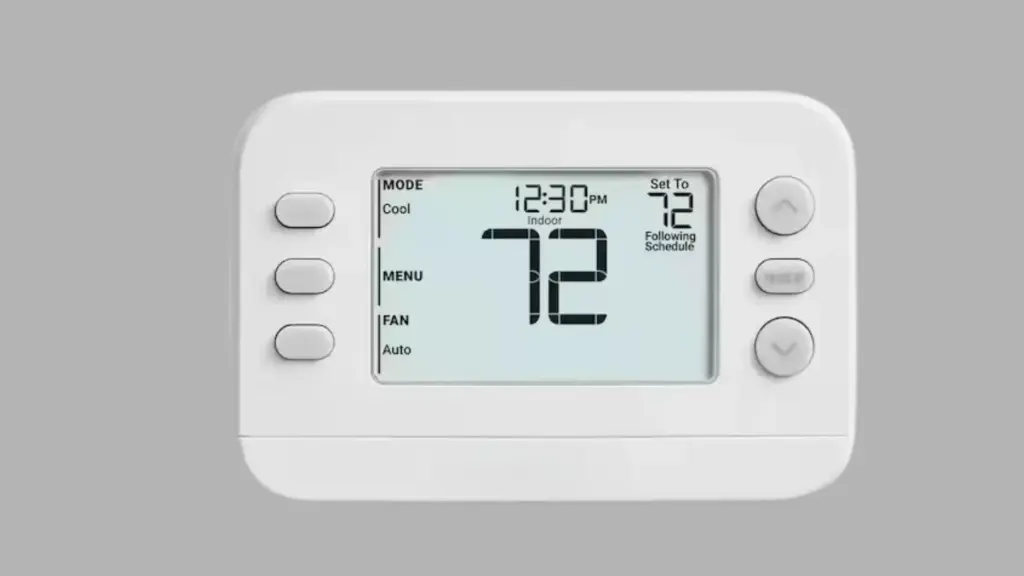
Confirm the system mode: Select Heat or Cool, rather than Off.
Check the target temperature: Set it above the room temperature for heating or below it for cooling. Allow for the thermostat’s temperature differential.
Review hold and lock settings: Cancel temporary Hold, Vacation, or Override settings. Follow the manual to unlock the keypad if necessary.
Check the fan setting: Choose Auto for normal operation or On for continuous fan operation.
Check the power supply: Look for low-battery warnings or a blank display. Check the HVAC breaker and nearby service switch.
Allow for startup delays: Wait for the restart period specified in the owner’s manual.
If the problem continues, use the symptoms below to narrow down the cause. Do not open electrical panels or handle exposed wiring.
Why Is My Thermostat Not Working?
The next step depends on what the thermostat is doing. A blank screen usually points toward a power problem, while a working display with no heating or cooling may indicate an issue with the settings, control circuit, or HVAC equipment.
1. Thermostat Screen Is Blank or Has No Power
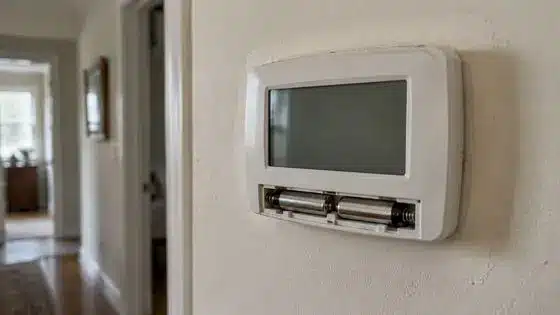
A blank thermostat display usually points to a power issue. Some thermostats use batteries as their primary power source, while others receive 24-volt power through the HVAC control wiring. Certain models use batteries only as backup power. Check the manufacturer’s specifications before assuming that a blank screen means the batteries need replacing.
Try these checks:
Replace the batteries: Use the correct type and polarity. Check the contacts for dirt, corrosion, or damage.
Check the circuit breaker: If it has tripped, consult the equipment manual. Never repeatedly reset a breaker that trips again.
Inspect the service switch and access panel: Confirm the furnace or air-handler switch is on and the panel is properly seated. Never bypass the door safety switch.
Check the display connection: Reseat removable displays according to the manufacturer’s instructions.
Blown control-board fuse: A low-voltage fuse, often a 3- or 5-amp blade fuse, protects the thermostat control circuit. A technician should identify why it blew before replacing it.
If the screen remains blank, a failed transformer, damaged wiring, or a faulty thermostat may require professional diagnosis. In many split systems, the thermostat receives low-voltage power through the indoor furnace or air handler, while the outdoor unit has separate power.
In a Reddit discussion, a homeowner’s Carrier thermostat went dead for no clear reason, and replies pointed toward indoor-unit power. Those replies are anecdotal, not technical sources.
Before assuming the thermostat has lost power, try waking the display. Some smart models turn off their screens when inactive but continue controlling the HVAC system.
2. Thermostat Is Not Turning On the AC or Heat
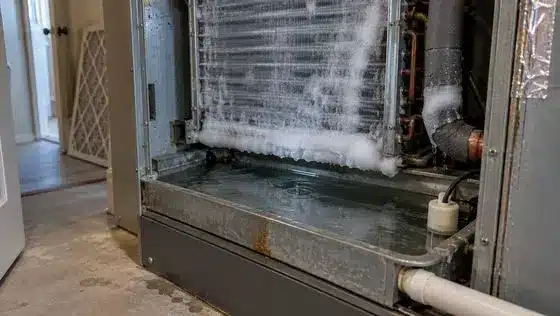
If the thermostat display works but the HVAC system doesn’t start, the problem may be in the wiring, control board, or equipment. Check whether the fan, furnace, or outdoor unit responds.
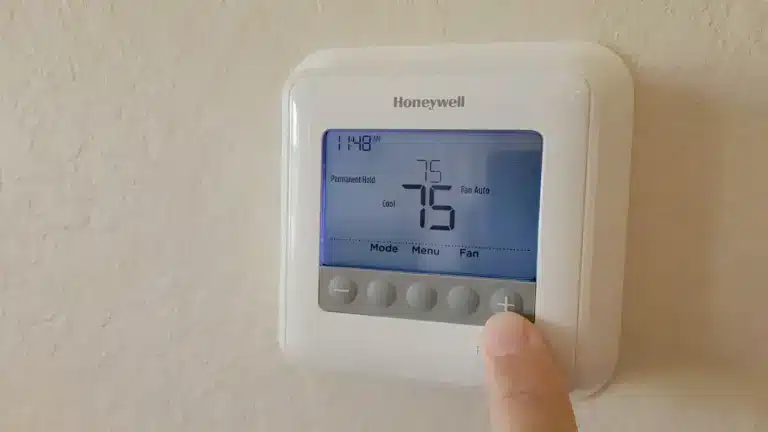
Check whether the thermostat displays an active Heat On or Cool On message. If it does, the thermostat may already be sending a heating or cooling request, and the fault could be in the HVAC equipment or its control circuit, as Honeywell’s support documentation describes.
If the display doesn’t show a call for heating or cooling, recheck the operating mode, temperature setting, and any active schedule or lock.
No equipment response: A safety switch, wiring fault, or power issue may be responsible.
Fan runs, but air isn’t warm or cool: The HVAC equipment may be malfunctioning.
Weak airflow or ice: A dirty filter, blower problem, dirty evaporator coil, or low refrigerant may be responsible. Turn off cooling if ice appears, replace a dirty filter, and let the coil thaw. Never chip away ice.
Furnace shuts off early: Restricted airflow can cause overheating and activate the high-limit safety switch, shutting down the burners.
Water near the indoor unit: A clogged drain or failed condensate pump may activate a float switch and interrupt cooling. Don’t bypass the switch.
Indoor blower runs, but the outdoor unit doesn’t: The issue may involve the outdoor unit’s power supply, contactor, capacitor, or control wiring. Have a technician inspect it.
If basic checks don’t help, call an HVAC technician.
3. Heat Pump Thermostat Settings
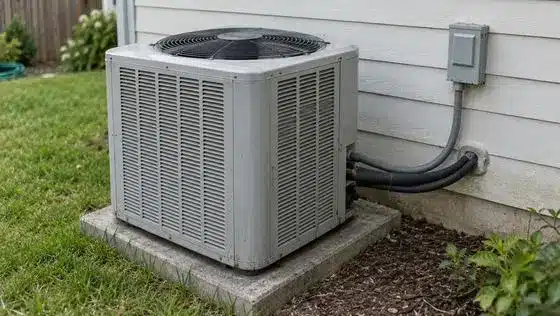
A heat pump uses a reversing valve to change the direction of refrigerant flow between heating and cooling. The thermostat controls this valve through an O or B terminal, depending on the equipment manufacturer. Incorrect configuration can make the system operate in the wrong mode.
Check these settings:
System type: Confirm that the thermostat is configured for a heat pump, not a conventional HVAC system.
O/B setting: Match the setting to the heat pump’s wiring and manufacturer requirements.
Auxiliary and Emergency Heat: Auxiliary Heat provides supplemental heating when needed, including during certain cold-weather conditions and defrost cycles. Emergency Heat uses a secondary heat source and turns off normal heat pump operation. Follow the manufacturer’s instructions.
If the system heats in Cool mode or blows cool air in Heat mode, ask an HVAC technician to check the wiring and configuration.
4. Thermostat Shows the Wrong Temperature
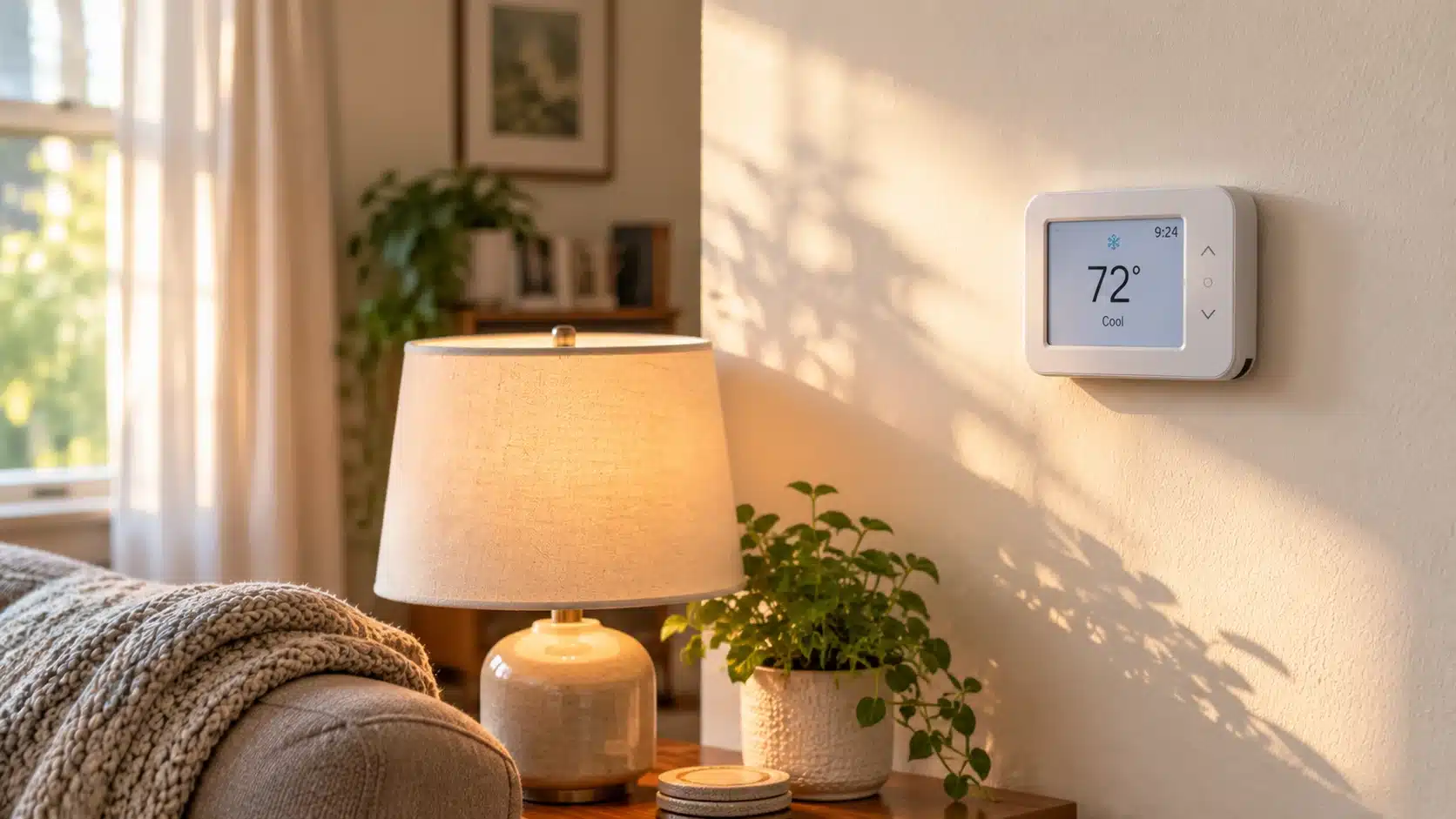
If the thermostat reading doesn’t match the room temperature, its sensor may be affected by nearby heat sources or may be malfunctioning.
Try these checks:
Compare readings: Use a separate thermometer away from sunlight, windows, and appliances.
Check placement: Sunlight, drafts, lamps, kitchen heat, and supply-air vents can affect readings.
Review calibration: Check the manual for available temperature adjustments.
Check remote sensors: Confirm which room sensor controls the temperature on smart models.
If the difference persists, the cause may be a bad thermostat, and a technician can inspect the sensor.
5. Thermostat Keeps Turning the System On and Off
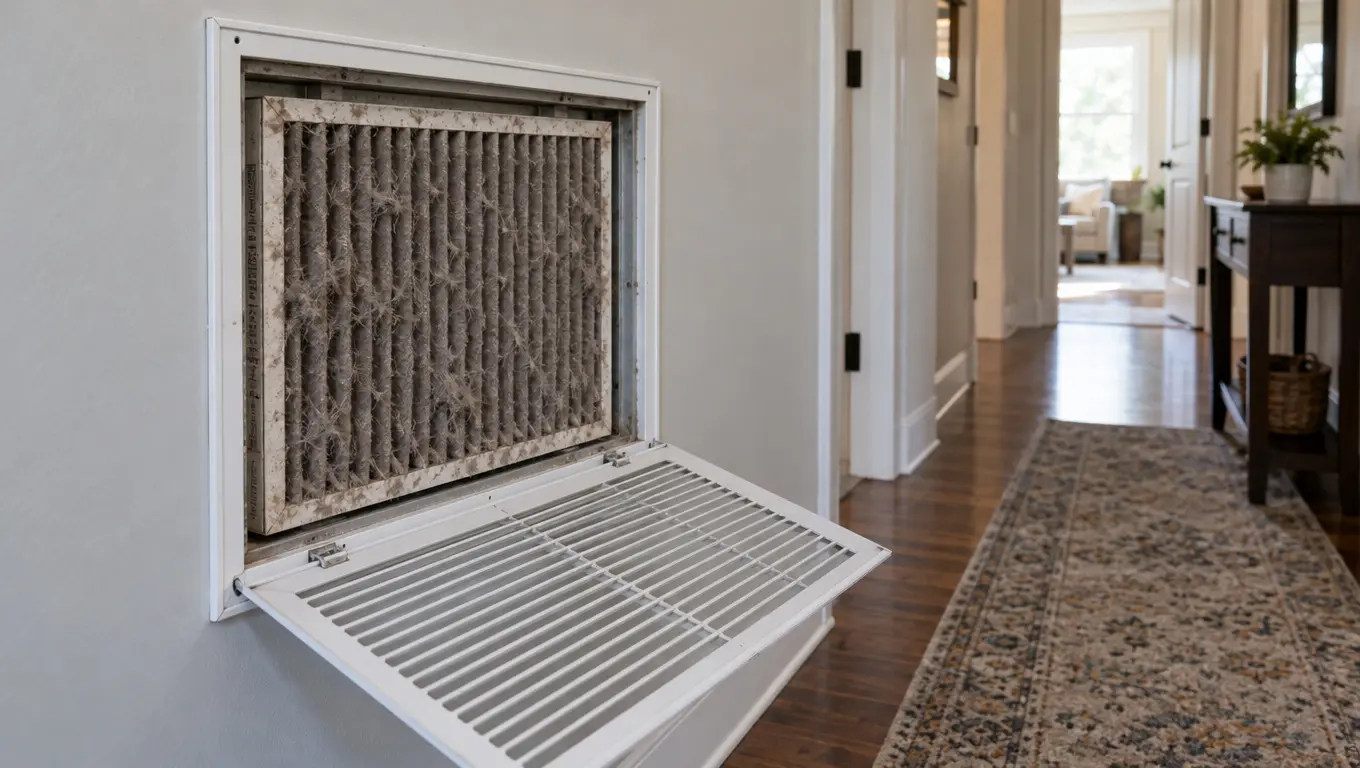
Frequent starting and stopping, known as short cycling, can reduce comfort, increase energy use, and wear out HVAC components. If the system repeatedly starts and stops every few minutes rather than completing normal heating or cooling cycles, it may be short cycling. The cause doesn’t always start with the thermostat.
Common causes include:
Dirty filters or blocked vents, which can cause the furnace to overheat.
Faulty sensors or inaccurate temperature readings.
An oversized HVAC system.
Refrigerant or other equipment problems.
Faulty control components.
Replace dirty filters, clear blocked vents, and check thermostat settings. If short cycling continues, schedule a professional inspection to identify the underlying problem.
What to Check If a New Thermostat Is Not Working
If a newly installed thermostat does not power on or control the HVAC system, check compatibility and installation requirements before assuming the unit is defective.
Check system compatibility: Confirm that the thermostat supports your furnace, air conditioner, or heat pump. Not every model works with every HVAC configuration.
Review wiring requirements: A C-wire, or common wire, provides a continuous 24-volt power return for compatible thermostats. Many Wi-Fi models require one, while others use batteries or manufacturer-approved adapters. Check compatibility before purchasing a replacement. Wire color alone doesn’t determine its function.
Before contacting the installer, check:
Whether the model supports your HVAC system.
Whether the installation follows the manufacturer’s wiring diagram.
Whether the thermostat requires a C-wire or compatible adapter.
Whether the display is properly attached to its mounting base.
Turn off HVAC power before any permitted installation checks. If it still doesn’t work, contact the installer or a qualified technician instead of experimenting with wiring.
Smart Thermostat Not Working? Additional Checks
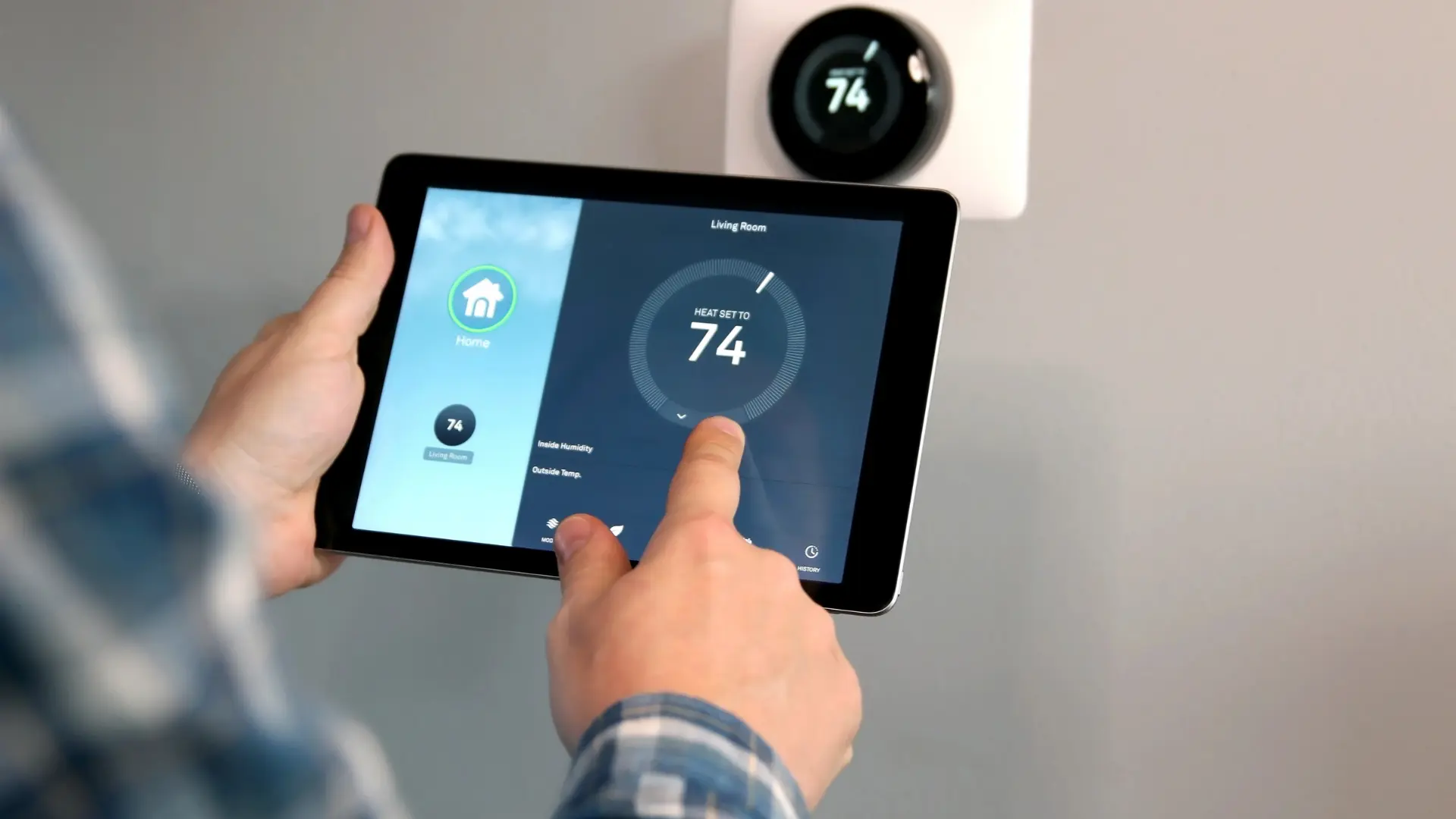
Smart thermostats can experience problems that affect app control, network access, or programmed settings. Local HVAC control and remote app access are separate functions, so these issues don’t always mean the heating or cooling system has stopped working.
1. Thermostat Offline or Disconnected From Wi-Fi
Check whether other devices can access your network. If they can, review the thermostat’s Wi-Fi settings and router requirements. If local HVAC control still works, the problem may be limited to remote access.
2. Thermostat App Not Responding
Close and reopen the app, check for updates, and confirm you’re signed in to the correct account. Check the thermostat display to see whether the issue affects the app or device.
3. Temperature Settings Keep Changing
Review schedules, away mode, occupancy detection, and energy-saving settings. These features may adjust temperatures automatically. Consult the manufacturer’s instructions if the changes continue unexpectedly.
4. Smart Thermostat Keeps Restarting
Repeated restarts may indicate a power or installation problem. A temporary glitch may clear if you reset a Honeywell thermostat, but a reset won’t fix a power or wiring fault. Check the model’s power requirements and contact the installer or an HVAC technician if the problem continues.
When Should You Call an HVAC Technician?
Some thermostat problems require electrical testing or specialized HVAC equipment. A technician can test the thermostat and control circuit with a multimeter, which involves live wiring and isn’t a homeowner task. Contact a qualified technician if:
The display stays blank after you check the batteries and power.
The breaker trips repeatedly, or the control-board fuse keeps blowing.
The thermostat powers on, but the HVAC equipment doesn’t respond.
Short cycling continues despite clean filters and correct settings.
A newly installed thermostat fails to operate.
The equipment displays persistent error codes or shuts down unexpectedly.
Stop troubleshooting if you notice smoke, sparks, burning smells, or exposed electrical wiring. Do not touch damaged components or open electrical panels. If you suspect a gas leak or carbon monoxide exposure, leave the property and contact emergency services.
Record any displayed error code and check the manufacturer’s support documentation. Codes vary by brand and model, so don’t assume they indicate the same fault across different thermostats.
Important safety warning: If your carbon monoxide (CO) alarm sounds, leave the home immediately and move everyone outside to fresh air. Call 911 or your local emergency services from outside, and do not re-enter until responders say it is safe. Do not try to locate the source yourself. For more information, read the U.S. Consumer Product Safety Commission’s carbon monoxide safety guidance.
How to Prevent Thermostat Problems
Replace batteries when needed: Follow the manufacturer’s recommendations and low-battery warnings.
Maintain the air filter: Check and replace it according to the filter type, household conditions, and equipment instructions.
Keep the thermostat area clear: Avoid placing lamps, heat sources, air purifiers, or humidifiers near its sensor.
Review programmed settings: Check schedules after seasonal or routine changes.
Schedule HVAC maintenance: Arrange periodic inspections to catch airflow, electrical, and control problems.
Keep the manual available: Save the model number and manufacturer’s instructions.
Regular maintenance can’t prevent every failure, but it can help identify avoidable problems before they interrupt heating or cooling.
Final Thoughts
A thermostat that isn’t working doesn’t necessarily need replacing. Dead batteries, interrupted power, incorrect settings, and HVAC safety shutdowns can all produce similar symptoms. Checking these possibilities first can help prevent unnecessary purchases and repairs.
If the display remains blank, the HVAC equipment doesn’t respond, or the system repeatedly shuts down, contact a qualified technician. Avoid electrical repairs or bypassing safety switches, and confirm compatibility before installing a replacement.
Frequently Asked Questions
Why is my thermostat not turning on the heat?
If your thermostat isn’t turning on the heat, check that the heat is set to Heat and that the set temperature is above the current room temperature. Inspect the furnace power switch and access panel, and check the circuit breaker. If the thermostat displays Heat On but the furnace doesn’t start, a safety shutdown, ignition problem, or equipment fault may be responsible.
What does a flashing Cool On message mean on a thermostat?
A flashing Cool On message usually indicates that the thermostat’s compressor protection delay is active. This feature prevents the compressor from restarting too quickly after shutting down. Many models use a delay of approximately five minutes, although timing varies. If cooling doesn’t start after the manufacturer’s specified delay, have the system inspected.
Do smart thermostats need a C-wire?
Not all smart thermostats require a C-wire. A common wire supplies continuous 24-volt power to compatible thermostats, while certain models use batteries or manufacturer-approved power adapters. Check your HVAC system and thermostat compatibility requirements before purchasing a replacement.
How can you tell if a thermostat is bad?
A faulty thermostat may display inaccurate temperatures, fail to respond to adjustments, repeatedly lose power, or send incorrect heating and cooling commands. However, these symptoms can also indicate HVAC power, wiring, or equipment problems. Have the control circuit tested before replacing the thermostat.
Do I need an electrician to replace a thermostat?
For most central heating and cooling systems, an HVAC technician is usually the right professional because thermostat replacement involves equipment compatibility and low-voltage control wiring. If the thermostat controls a line-voltage system, such as electric baseboard heating, use a qualified electrician. Never assume the wiring is low voltage based on appearance alone.