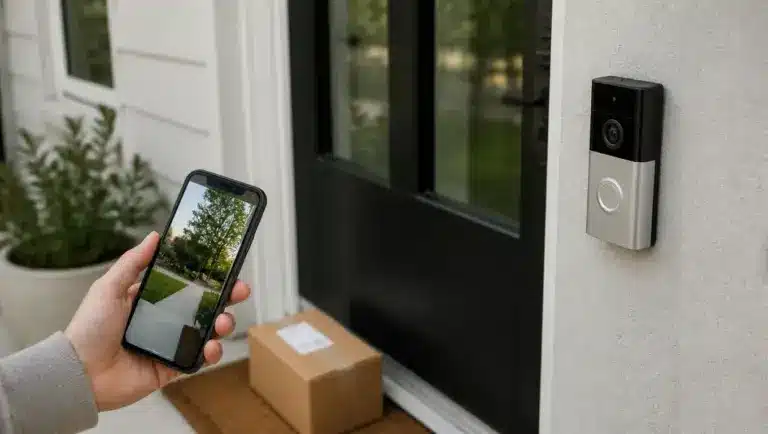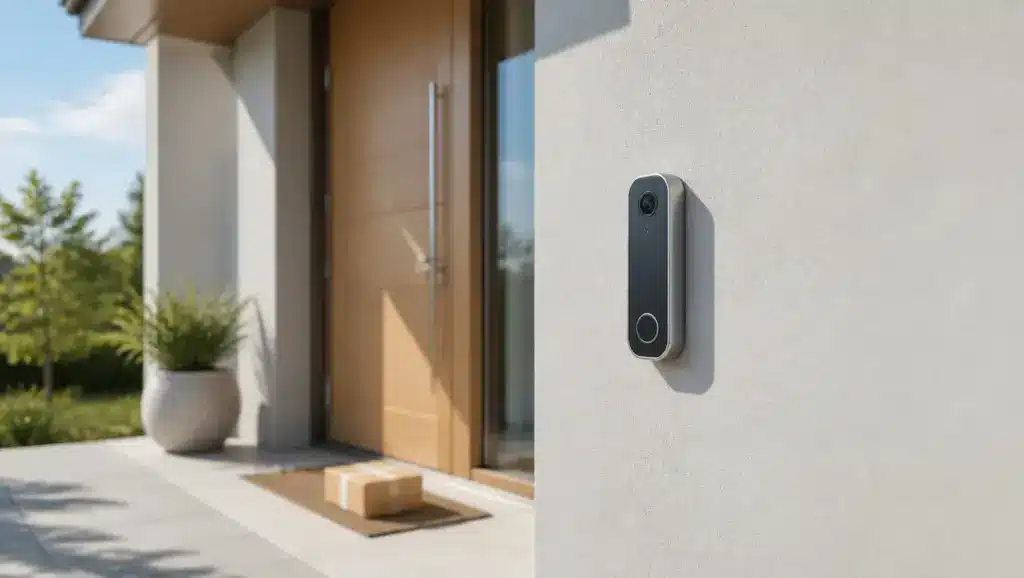
Doorbells have quietly become one of those gadgets that sneak into everyday life. A front step sees a steady stream of courier vans, friendly neighbors, and the occasional runaway soccer ball, and a camera makes it easier to keep an eye on things.
The catch is the fine print. Nobody enjoys signing up for yet another monthly bill just to watch yesterday’s clip, so hunting for the best wireless doorbell camera without a subscription is really a hunt for a lighter wallet and a calmer mind.
The seven battery-powered picks below are compared on where footage is stored, how each battery is charged, and which extra hardware you may need to buy.
What “Wireless” and “No Subscription” Actually Mean
Wireless means capable of battery-powered installation. A “Wi-Fi doorbell” may still need permanent wiring, so Wi-Fi alone does not qualify. Many battery models also accept hardwired power, so battery-powered installation is not the same as battery-only operation.
“No subscription” means more than free notifications or two-way talk: you must be able to save and review video without a recording fee.
Cloud backup, advanced analysis, and smart alerts may still cost extra, so treat local recording and optional cloud plans as separate purchases. Permanently wired models sit in a separate comparison of the best video doorbells.
Best Wireless Doorbell Cameras Without a Subscription: Top Picks
These seven options save and review doorstep footage without a mandatory recording fee. Each entry covers storage, the battery, and any extra hardware to budget for.
1. Tapo D230S1: Best for Indoor Storage
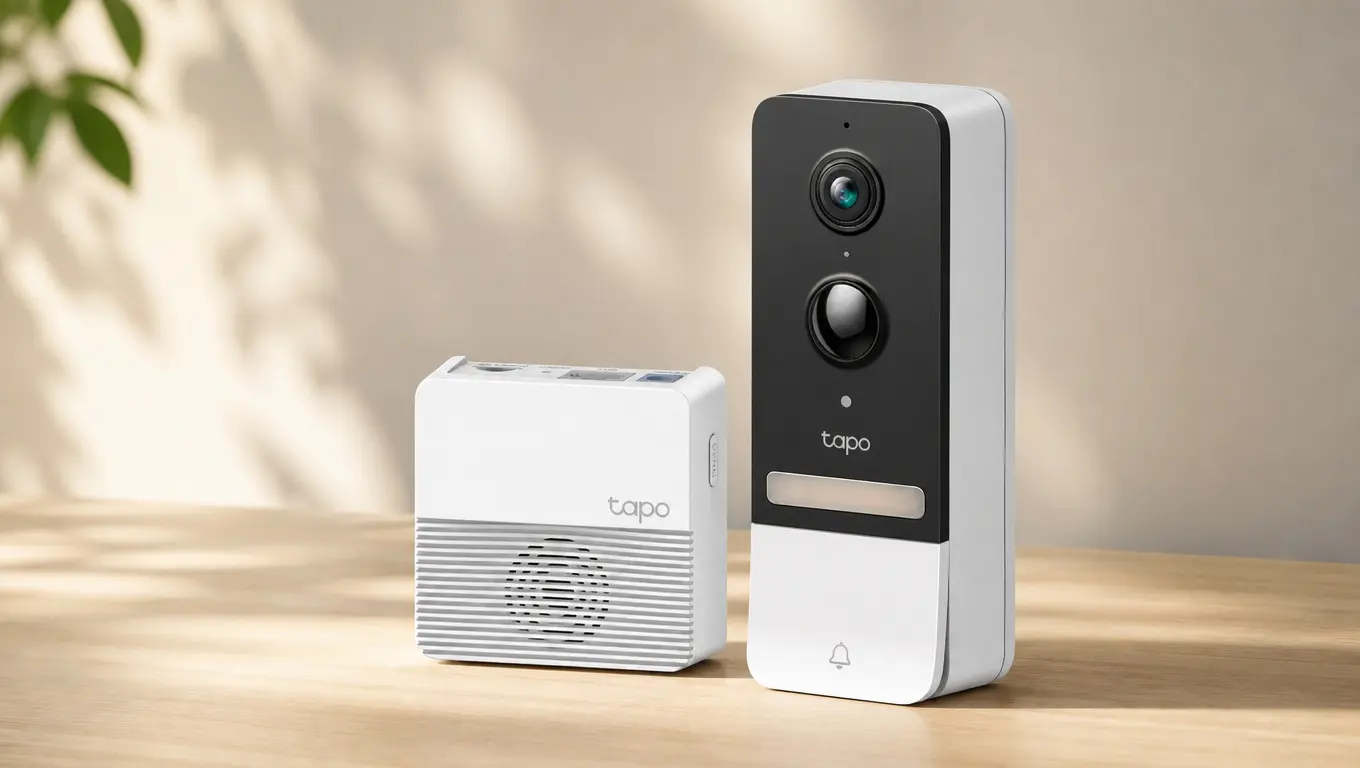
Tapo D230S1 includes an indoor H200 hub that holds the storage card, keeping footage away from the exposed doorbell. Its removable 6,700mAh battery makes charging easier.
Video is 2K 5MP with people, pet, vehicle, and package detection, and the hub supports a microSD card up to 512GB (sold separately).
Pros | Cons |
|---|---|
Footage stays indoors | The hub needs a spot near an outlet |
Removable battery keeps charging simple | The microSD card adds to the cost |
Detects people, pets, vehicles, and packages | Recording relies on the hub connection |
What works without a subscription: Recording to a microSD card in the included H200 hub, plus playback and supported smart detection. Tapo Care cloud storage is optional.
2. Reolink Video Doorbell (Battery): Best for Flexible Storage
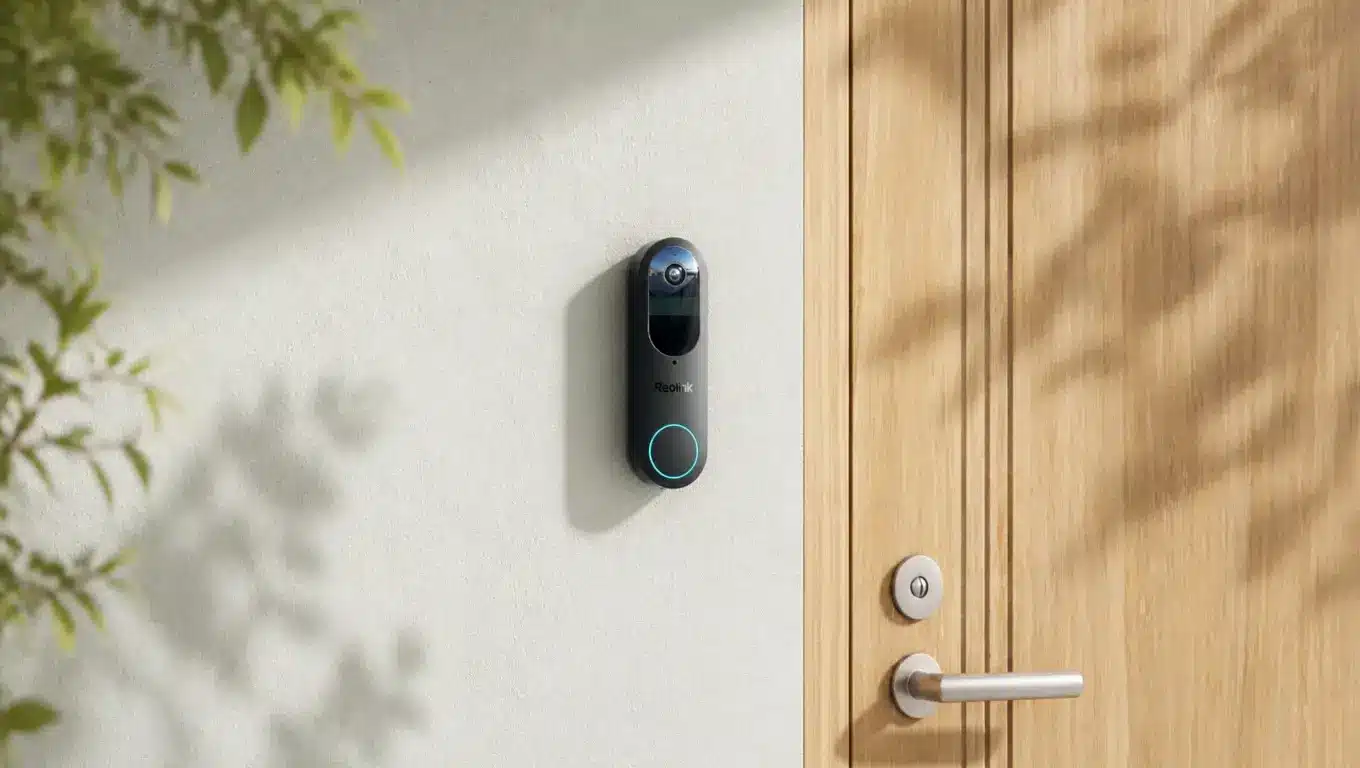
The original Reolink Video Doorbell (Battery) records to a microSD card (up to 256GB) in the doorbell or to a compatible Reolink Home Hub. It captures 4MP video (2048 × 2048) in a square head-to-toe frame and runs on a 7,000mAh built-in battery.
A second-generation version has different storage limits, so match the model number before ordering.
Pros | Cons |
|---|---|
Records to the card or a Home Hub | A card or hub adds to the cost |
Square frame covers visitors and the doorstep | Hub compatibility needs checking |
Fits into a wider Reolink setup | The built-in battery needs periodic recharging |
What works without a subscription: Motion-triggered recording to a microSD card or compatible Home Hub, plus person, vehicle, and package detection. Reolink Cloud is optional.
3. Eufy Video Doorbell E340: Best for Package Monitoring
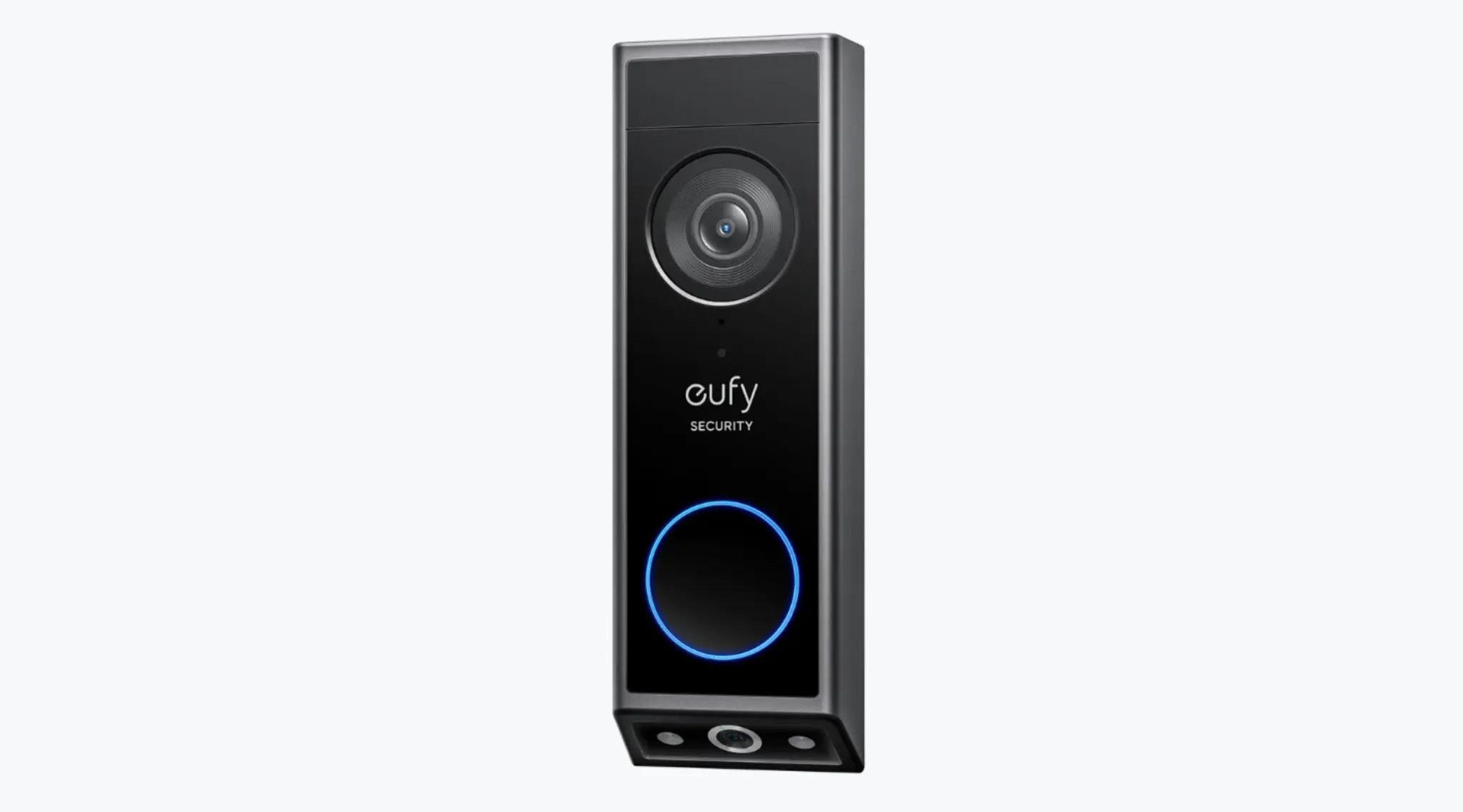
Eufy E340 has a removable rechargeable battery that charges away from the door, plus a second camera angled at the doorstep to keep parcels in frame. It lists 8GB of built-in storage and works standalone or with compatible Eufy HomeBase devices.
Storage requirements can differ by regional version, and some listings specify a microSD card, so check yours before relying on card-free recording.
Pros | Cons |
|---|---|
Second camera watches parcels on the ground | 8GB fills faster than a large card |
Built-in 8GB storage and compatibility with supported HomeBase devices | Footage lives on the outdoor unit |
Battery can be removed and charged separately | Card requirements vary by regional version |
What works without a subscription: Local recording and clip review without a monthly fee, using the storage setup your version supports. A microSD card may be required; cloud backup is optional.
4. Blink Video Doorbell: Best for Modular Storage
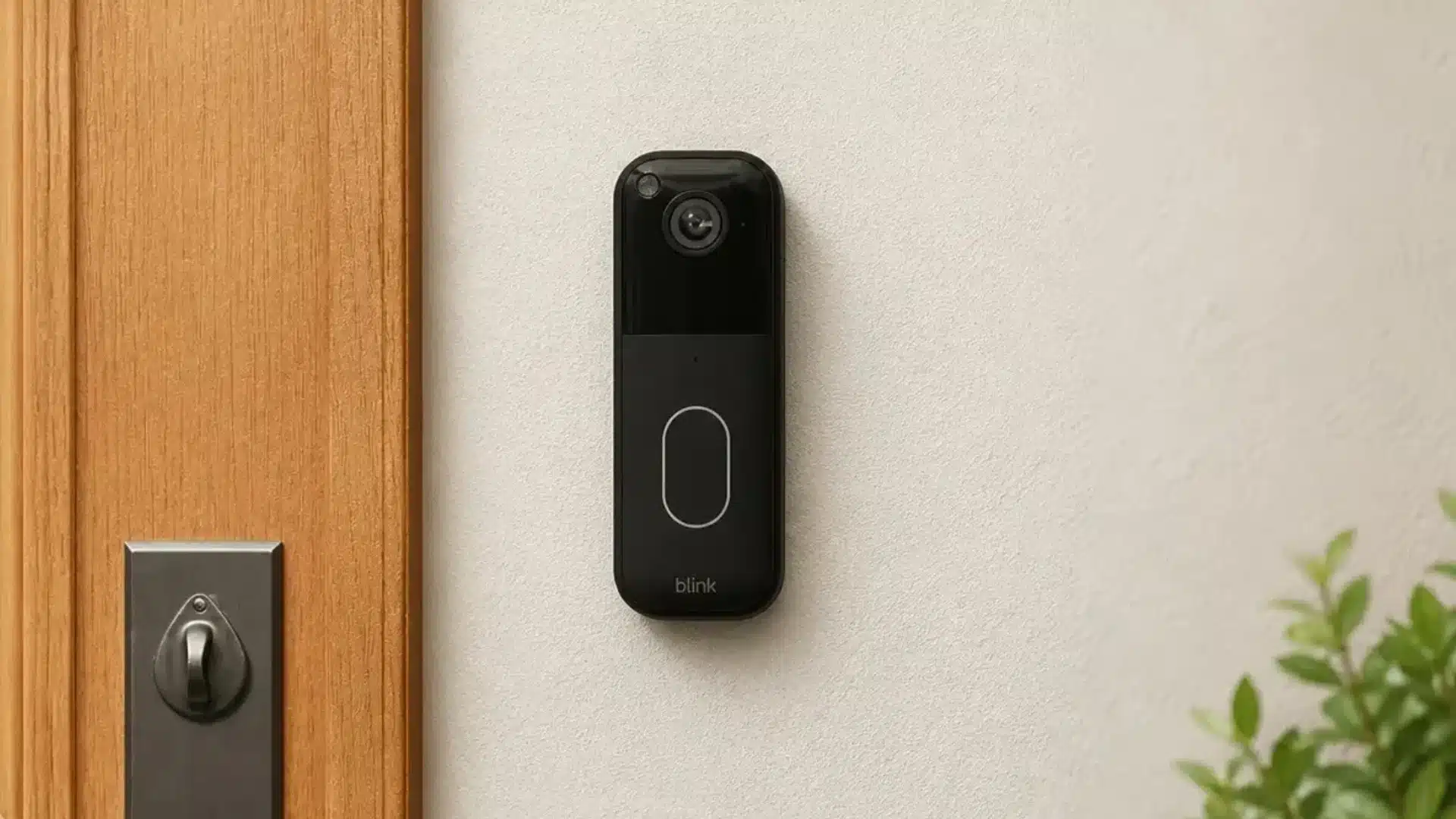
Blink Video Doorbell (2nd Gen) is battery-powered and needs a Sync Module to function. It cannot store footage on its own: local recording requires a Sync Module 2 with a USB drive up to 256GB, or a compatible Sync Module XR with microSD storage.
The included Sync Module Core cannot save local recordings, so you will need to buy a compatible module separately. Add up the full kit cost before comparing.
Pros | Cons |
|---|---|
Clips save to a USB drive you own. | Needs a Sync Module 2 and a USB drive. |
Blink advertises up to two years of battery life under default use. | Three AA lithium batteries need replacing. |
Easy to add to existing Blink cameras. | Recording relies on the Sync Module staying online. |
What works without a subscription: Local recording to a USB drive through Sync Module 2, plus playback and motion alerts. Blink’s paid plan adds cloud storage and extra features.
5. Tapo D225: Best for a Hub-Free Setup
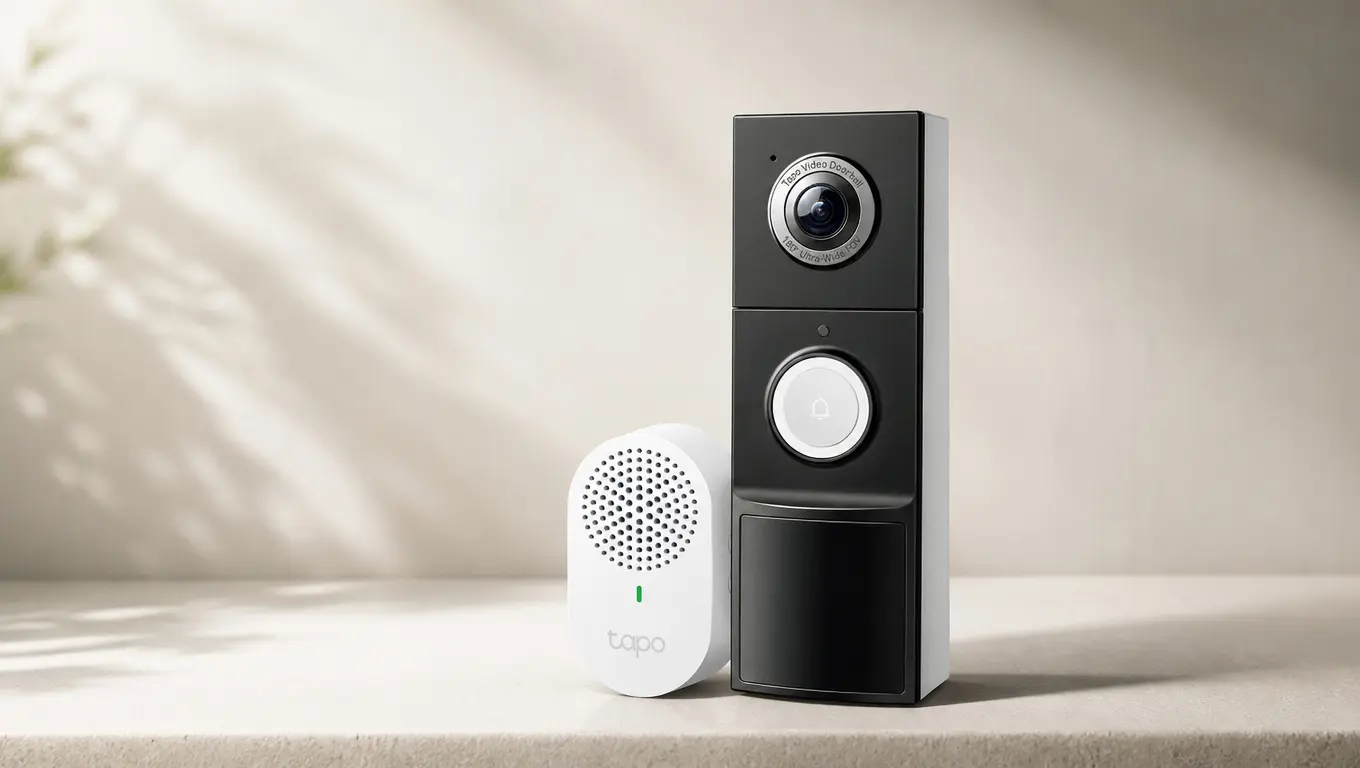
Tapo D225 suits buyers who want battery-powered installation with no hub. Footage goes to a microSD card of up to 512GB inside the doorbell, and the 180° head-to-toe view covers visitors and parcels. Choose it over the D230S1 to skip the indoor hub.
Video is 2K with on-device tags for people, packages, and vehicles. The battery is built in, and 24/7 recording only works when hardwired. On battery power, it records motion events.
Pros | Cons |
|---|---|
No hub means fewer parts | You could lose footage if the doorbell is stolen |
Tall view helps spot parcels | Built-in battery is harder to service |
Supports 24/7 recording when hardwired | The microSD card is sold separately |
What works without a subscription: microSD recording, plus playback and on-device detection tags. Tapo Care cloud storage is a separate paid option.
6. EZVIZ EP3x Pro: Best for Solar-Assisted Power
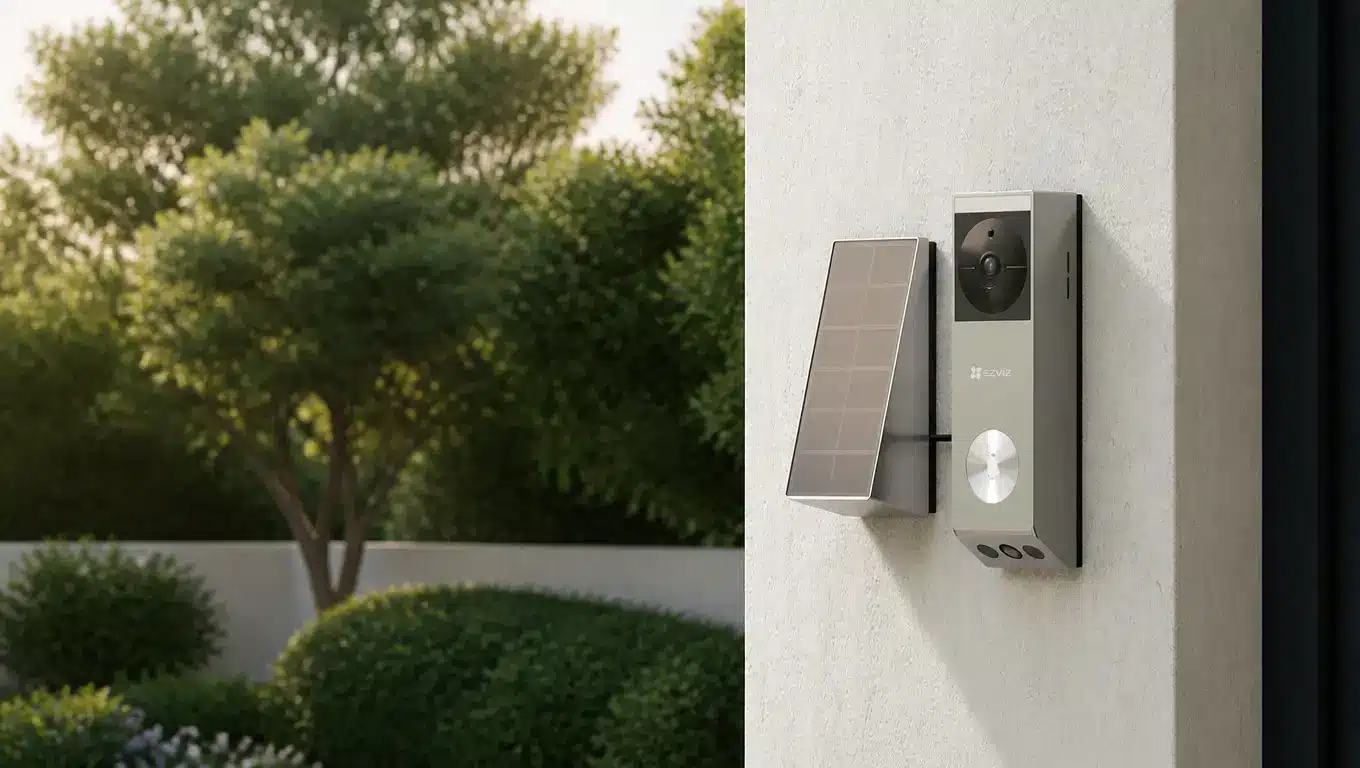
EZVIZ EP3x Pro includes a solar panel that helps recharge the battery and reduces manual charging, though its effectiveness depends on sunlight and placement.
A 1080p downward camera sits beside the 2K main lens, and footage saves to 32GB of built-in eMMC storage, so you don’t need a card. It includes human-motion and package detection, and cloud storage is optional in supported markets.
Pros | Cons |
|---|---|
Built-in 32GB needs no card purchase | Solar help depends on how much sun the panel gets |
Solar panel reduces how often you recharge | Extra storage means paying for cloud |
Dual cameras cover visitors and parcels | The panel needs a sunny spot near the door |
What works without a subscription: Recording to the built-in 32GB, plus playback and human-motion and package alerts at no ongoing cost.
7. Lorex 2K Battery Video Doorbell: Best for Included Local Storage
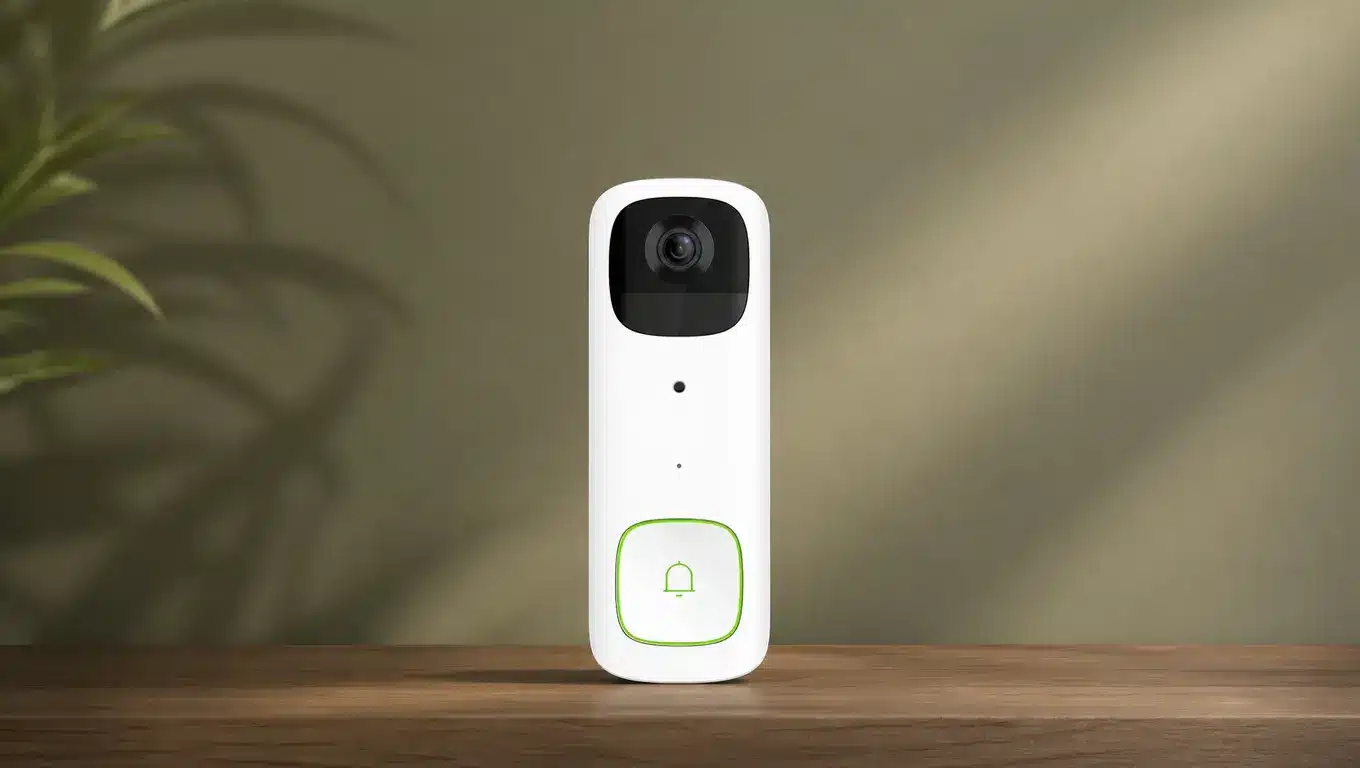
The Lorex 2K Battery Video Doorbell (model B463AJD) has a built-in 6,200mAh battery and comes with a 32GB microSD card installed, swappable for up to 256GB. Video is 2K (2560 × 1920) with person detection and two-way talk.
It can also connect to existing 8–24V AC doorbell wiring to keep its battery charged, although that does not mean it records continuously.
Pros | Cons |
|---|---|
Preinstalled card needs no extra purchase. | Charging means removing the unit. |
Storage can grow to 256GB. | Detection covers people only. |
Wired option keeps the battery topped up. | Old clips are overwritten when the card fills. |
What works without a subscription: Recording to the preinstalled microSD card, plus playback and person-detection alerts, with no recurring fee.
What Features Should Remain Free?
A recording feature on the box is not the same as a recording system you can use. Read the manufacturer’s documentation for the full workflow, not just the phrase “subscription optional.”
Your chosen setup should let you:
Save events: Confirm recording continues after any introductory trial ends.
Review footage: Check that playback works in the normal app without a plan.
Export evidence: See how clips download and if format or length limits apply.
Use relevant detection: Separate basic motion alerts from person, face, or package tags.
Manage storage: Check if old clips overwrite automatically or recording stops when storage fills.
Imagine canceling every optional service on day one. What remains should still solve your main reason for buying the camera.
What Happens During an Outage?
Do not treat Wi-Fi failure, internet failure, and a power cut as the same situation. An internet outage can block remote phone access while the home network keeps running.
A router failure can interrupt communication between the doorbell and its indoor hub, depending on how the system handles local connections. A power cut may switch off an indoor hub even though the doorbell’s battery remains charged.
Saved footage may remain on its storage medium when remote access drops, but new recordings depend on the system’s design. Ask the manufacturer if your model captures new events in each case.
Where Should Your Footage Be Stored?
Storage placement affects more than convenience. It also shapes how safe your footage is from theft and how easily you can access it.
Inside the doorbell: Fewer parts, but a stolen unit takes its footage along.
Indoor hub or chime: Shields the card from tampering, but needs a steady link.
Free cloud storage: Counts only when terms state retention, download access, and clip limits.
Local recording reduces reliance on cloud storage, but it does not mean the product works fully offline or that the manufacturer never handles your data. Account access, notifications, and remote viewing may still use manufacturer services, and a promotional cloud trial is not permanent storage.
Compare the Complete Cost, Not the Advertised Price
A subscription-free camera can still need extra purchases. Compare complete setups with a simple formula instead of trusting the sticker price.
Total setup cost = doorbell kit + required storage + any hub sold separately + essential mounting accessories + installation costs.
Allow for battery replacement and a worn storage card, and avoid counting a hub twice when a bundle includes it. Prices aren’t quoted here because they haven’t been verified, so check the model number, seller, warranty, and box contents.
No recording fee also doesn’t guarantee long-term software support, so look for published update commitments and a clear process for deleting your data.
Five Checks Before You Order
These five checks catch the issues that most often frustrate new owners. Check these against your actual doorway and home setup.
Map the view: Identify the delivery spot and anything that could block it.
Test connectivity: Check the mounting spot itself, not just Wi-Fi inside the house.
Plan charging: Work out battery access and what coverage you lose meanwhile.
Confirm permissions: Renters and shared entrances should check installation and recording restrictions.
Secure access: Check the app for multi-factor authentication, household accounts, and permissions.
A doorbell is only as secure as the network behind it, and an untouched router login is an easy weak spot. Fixing that takes a few minutes.
Final Verdict
Choosing the best wireless doorbell camera without a subscription depends on what matters most at your front door. The Tapo D230S1 suits buyers who prefer indoor storage, while the Eufy E340 offers dual-camera parcel coverage. The EZVIZ EP3x Pro adds solar assistance, and the Lorex is convenient if you want a storage card included.
Blink makes more sense if you already use its cameras and own compatible hardware. Whichever model lands on your shortlist, check the exact kit, storage requirements, and playback features before ordering. Ready to narrow it down? Open the manufacturer pages for your top two and compare them side by side.
Frequently Asked Questions
Can a battery doorbell record continuously?
Usually not. Battery doorbells save power by capturing motion events instead of constant footage, and continuous modes typically need a wired connection. Check the product’s specifications page for the exact requirement before assuming any model offers it.
Is a no-subscription camera completely private?
Not automatically. Privacy also depends on account security, data handling, app permissions, and camera placement. Read the manufacturer’s privacy policy, and avoid pointing the lens at neighboring windows, shared hallways, or other areas where people expect some privacy.
Should advertised battery life decide my purchase?
Treat it as a reference point, not a guarantee. Frequent movement, repeated live viewing, recording settings, and cold weather can all shorten the interval between charges, so real-world results often differ from the number on the box.