
An easier way to clean junk files off your Windows 10 PC
Read more
Buying Advice: The Ultimate Parent’s Guide to the Kindle Fire
It’s not unusual to see kids as young as 18 months interacting with tablets these days. In fact, my own children were obsessed with my iPad from very early on, and it led me to research what might be the best (and most affordable) tablet for kids. We...

3 ways to unfriend a Facebook friend without really unfriending them
[Updated February 20, 2018] Got an oversharing Facebook buddy who can’t stop with the food photos, a sullen friend who’s bringing you down with all his depressing updates, or a frenemy who you don’t want peeking at your Facebook photo albums? Well, you could always...

iOS tip: How to forward iMessages or text messages via email
Amro writes: Is there a way to forward text messages and send an entire iMessage thread via email? Essentially I am trying to get an entire chat thread from my phone and forward it to a colleague. Any advice would be appreciated. Hi Amro! Yes, there is a way to...

Mac tip: How to stop programs from launching automatically
(Updated on 11/6/2017) So, here’s a quick question: how long does it take for your Mac to start up? A minute? Two minutes? Five? Or just too long? One possible reason your Mac may be slow out of the blocks is that it’s trying to launch a slew of programs all at the...
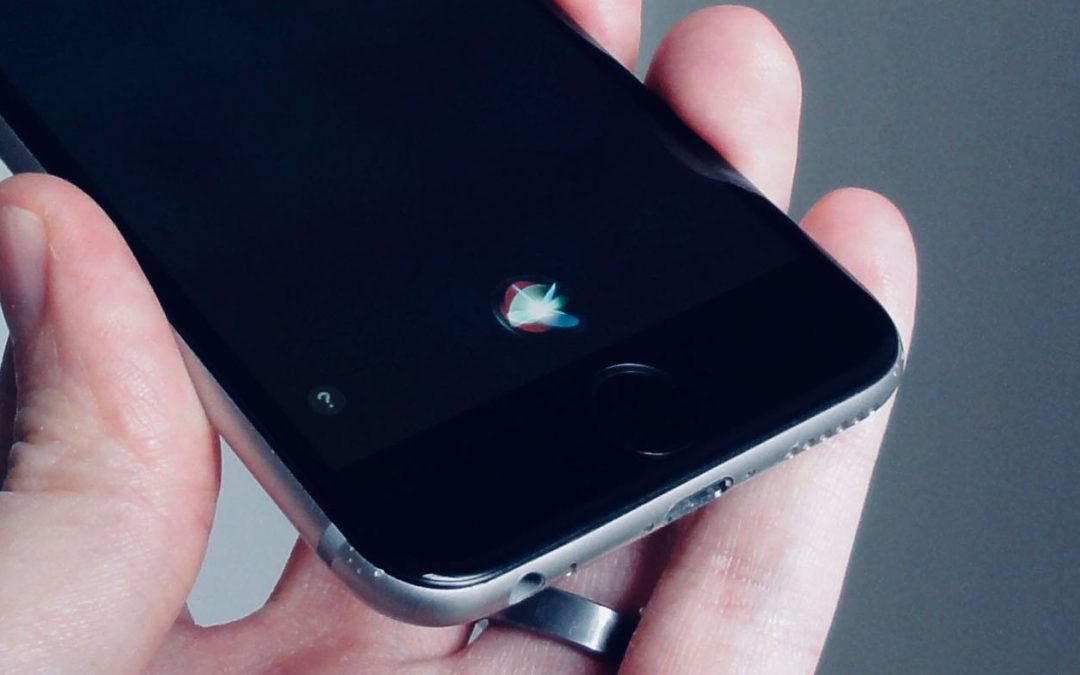
iOS tip: 4 ways to change the sound of Siri’s voice
Not only will the ever-loyal Siri—you know, Apple's voice-activated digital assistant for iPhone and iPad—cheerfully read your email, set alarms, deliver weather reports and generally be at your beck and call, she'll even change the sound of her voice if you ask her...

How to get started with Apple Family Sharing for iPhone and iPad
Is your family having trouble sharing your iTunes and App Store purchases while also keeping your iMessages and other iCloud data separate? One of our readers shares his story, and I've got some Apple Family Sharing tips that'll help sort everything out. Here's a...
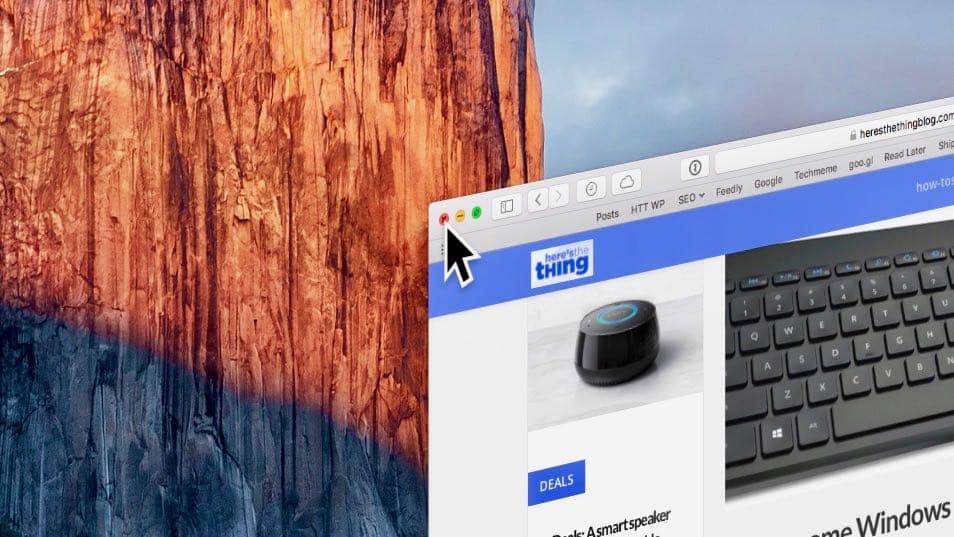
How to boost the size of the mouse cursor on a Mac or Windows PC
Updated! Having a hard time spotting that itty-bitty mouse cursor on your PC or Mac display? You’re not the only one. Indeed, as computer displays get bigger and sharper, on-screen mouse pointers keep getting tinier and tinier. Will they eventually shrink down to...
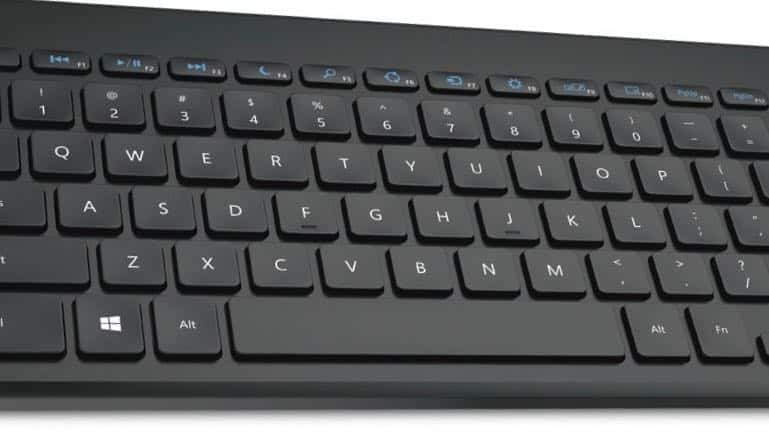
10 awesome Windows tricks you can perform without touching your mouse
I love the feeling of whizzing around my Windows 10 desktop, opening and closing windows, trashing files, renaming folders and more, all without touching a mouse. Read on for 10 ultra-handy things you can do using Windows keyboard shortcuts. 1. Open the File Explorer...

Forget the junk drawer! Turn your iPhone into these 5 handy household tools
No need to dig through the junk drawer to find a flashlight or a tape measure. In just a few taps, you can turn your iPhone into a variety of everyday household tools, from a ruler or a level to a magnifying glass or even a compass. How to turn your iPhone into a...
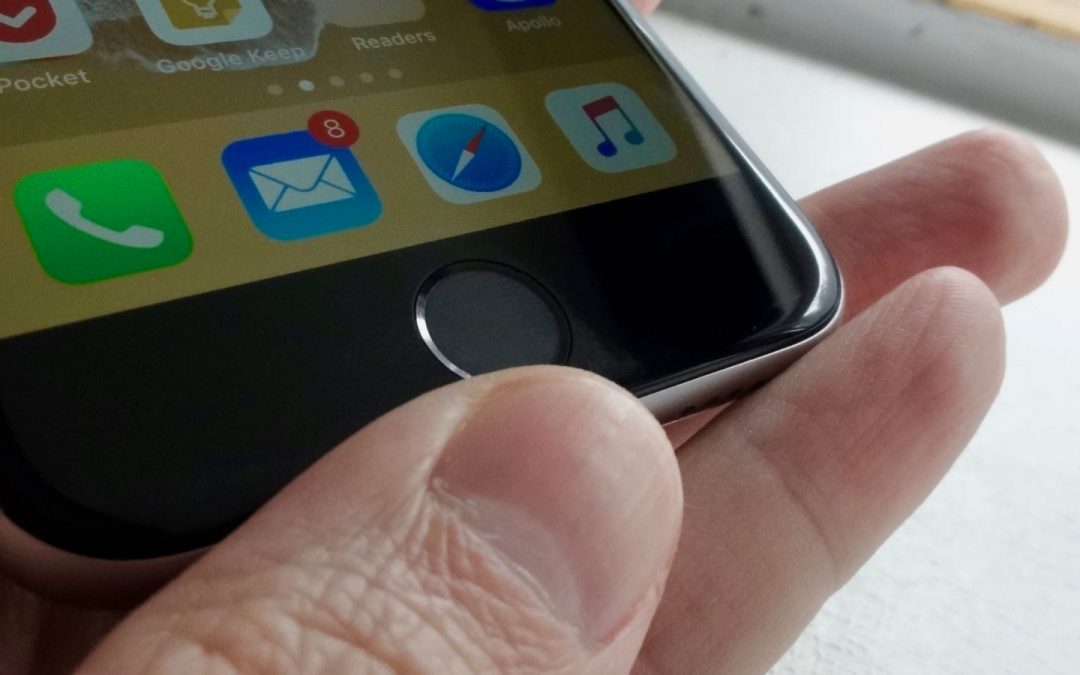
iOS tip: 4 handy iPhone Home button settings you need to try
Ready to take charge of the Home button on your iPhone or iPad? Learn how to make it easier to double-click the iPhone Home button, change what happens when you hold the Home button, try some nifty triple-click tricks, and more. Note: The following tips don't apply to...
Buying Advice: The Ultimate Parent’s Guide to the Kindle Fire
It’s not unusual to see kids as young as 18 months interacting with tablets these days. In fact, my own children were obsessed with my iPad from very early on, and it led me to research what might be the best (and most affordable) tablet for kids. We...
3 ways to unfriend a Facebook friend without really unfriending them
[Updated February 20, 2018] Got an oversharing Facebook buddy who can’t stop with the food photos, a sullen friend who’s bringing you down with all his depressing updates, or a frenemy who you don’t want peeking at your Facebook photo albums? Well, you could always...
iOS tip: How to forward iMessages or text messages via email
Amro writes: Is there a way to forward text messages and send an entire iMessage thread via email? Essentially I am trying to get an entire chat thread from my phone and forward it to a colleague. Any advice would be appreciated. Hi Amro! Yes, there is a way to...
Mac tip: How to stop programs from launching automatically
(Updated on 11/6/2017) So, here’s a quick question: how long does it take for your Mac to start up? A minute? Two minutes? Five? Or just too long? One possible reason your Mac may be slow out of the blocks is that it’s trying to launch a slew of programs all at the...